English
7
Or
PoE LAN
1
2
3
Hardware Installation
1� Choose a method to mount the device�
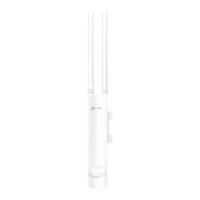
■ Mounting the Device on a Pole
At the selected site, attach the device to a suitable point of the pole and then
approximately align the device to the direction that you have oriented.
Or
■ Mounting the Device on the Wall (for the product with mounting brackets)




 To Next Page
