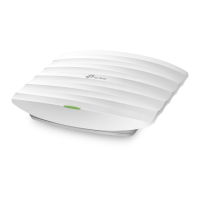
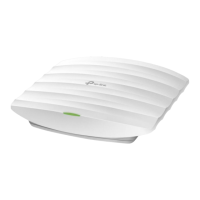
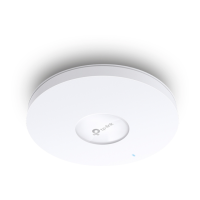
2
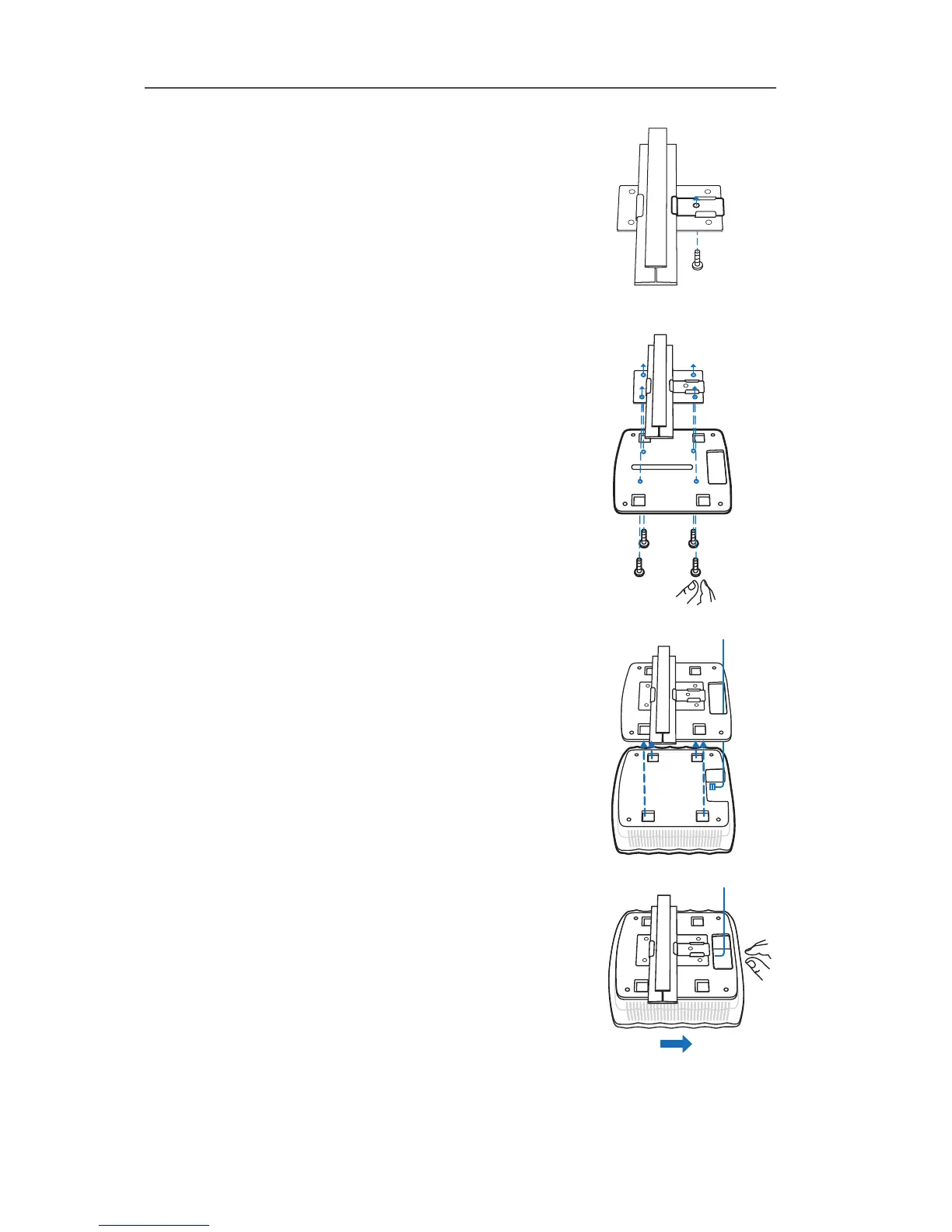
Use an M3×6 pan-head screw to secure the T-rail
Clip onto the ceiling rail.
3
Attach the mounting bracket to the Ceiling T-rail
Clip using four M3x6 pan-head screws.
4
Make the Ethernet Cable pass through the fixing
hole of the mounting bracket. Connect the cable
to the ETHERNET port and attach the EAP to the
bracket.
5
Push the EAP along the direction of arrows until
it locks into place. Then adjust the cable to make
the exposed part hidden behind the EAP.


 To Next Page