8www.tp-link.com
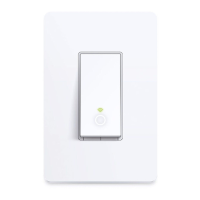
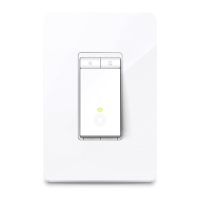
User’s manual Smart Wi-Fi Light Switch
a qualied electrician.
• The Smart Switch is an indoor single-pole switch
that requires a neutral connection.
• Do not install the Smart Switch with wet hands or
when standing on wet or damp surfaces.
1 Download TP-LINK Kasa from App Store or Google
Play.
OR
Scan QR
code
2 Connect mobile device to your 2.4GHz Wi-Fi
network.
Note: The Smart Switch only supports 2.4GHz
networks.











 To Next Page

