11
Set Up Your Kasa Devices
If you want to remotely control / manage the valve, you need to add a Kasa smart hub rst.
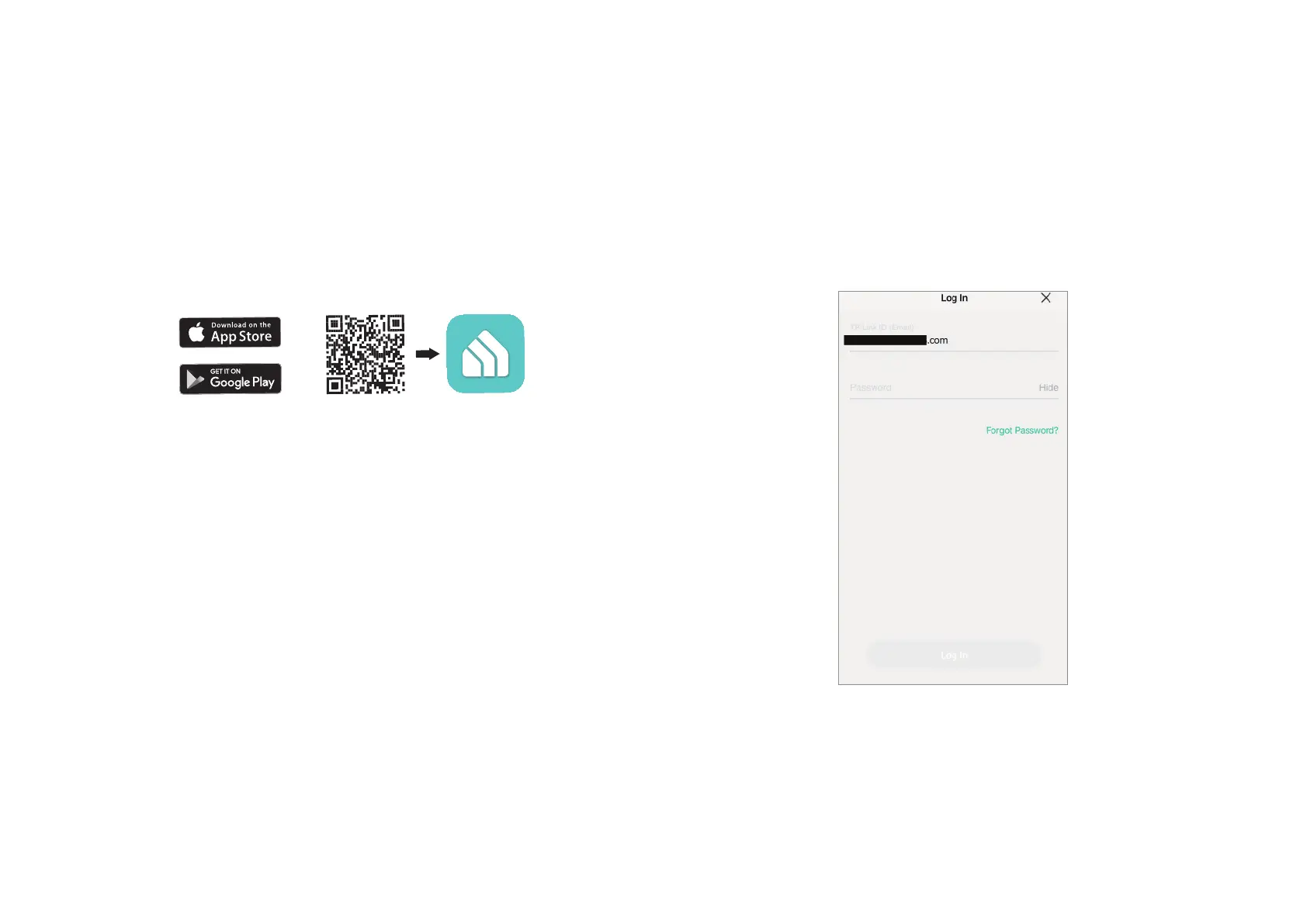
Step 1 Download Kasa Smart App
Set up a Kasa smart hub in the Kasa Smart app if you haven’t already
done so. You can get the Kasa Smart app from the App Store or Google
Play.
Step 2. Log In
Open the app, and log in with your TP-Link ID. If you don't have an
account, create one rst.


 To Next Page