EasyManua.ls Logo

TP-Link Kasa Smart KE100 KIT - Appearance-Kasa Hub

TP-Link Kasa Smart KE100 KIT
42 pages
Print Icon
To Next Page IconTo Next Page
To Previous Page IconTo Previous Page
Loading...
3
Appearance-Kasa Hub
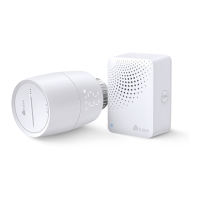
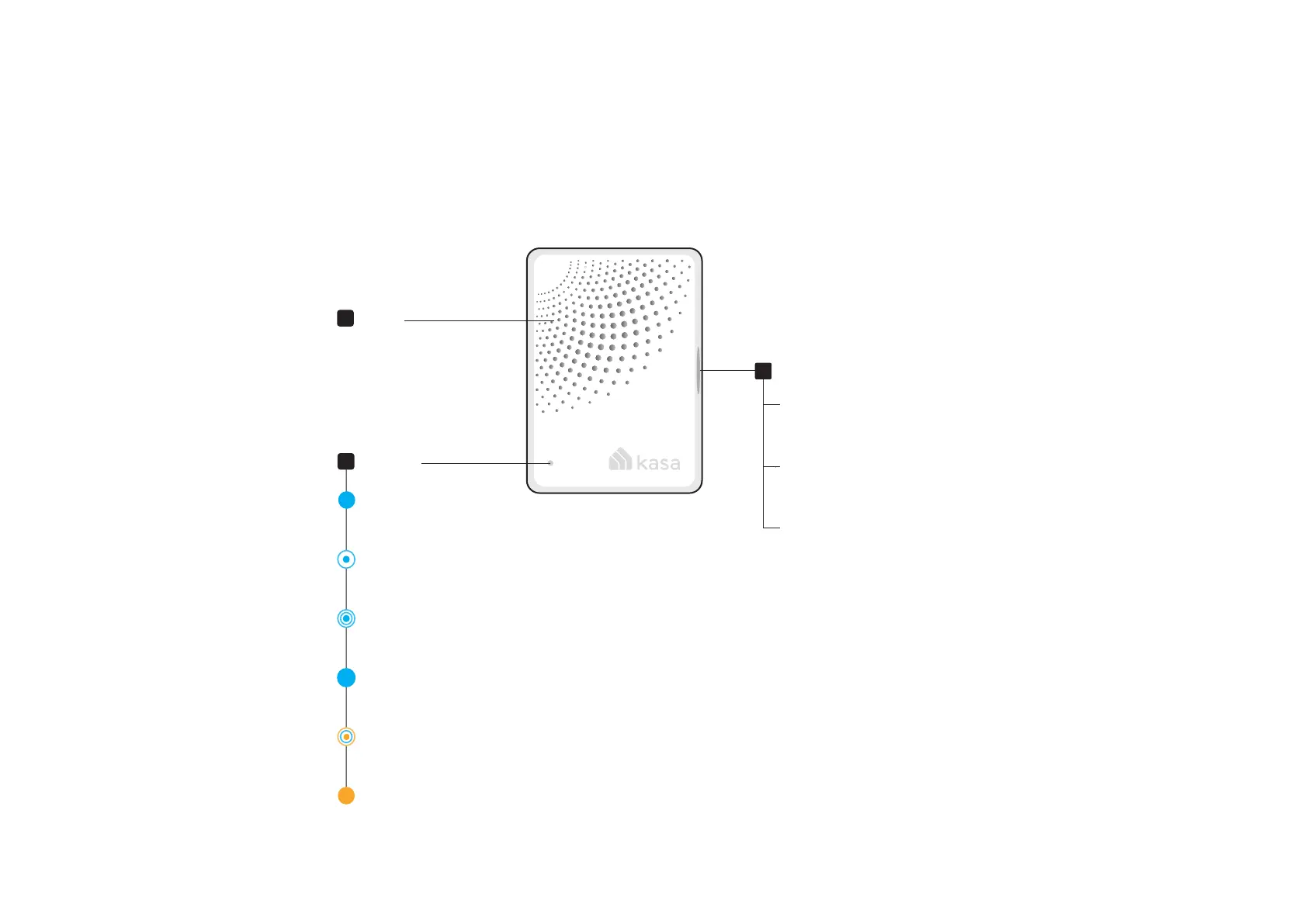
With superior ultra-low-power performance, Kasa Hub connects wirelessly with compatible Kasa accessories. So you can easily control and monitor
your home from anywhere. See the detailed explanation below:
1
SYNC Button
Status LED
3
Speaker
2
Blinking orange and blue
Ready for setup
.
Blinking blue quickly
Pairing with Kasa accessory
Solid orange
Oine
Blinking blue quickly
Connecting to Wi-Fi
Solid blue
Starting up
Solid Blue
Connected to Cloud
Single press
Enter pairing mode;
Silence when ringing.
Press and hold for 5s
Only reset Wi-Fi settings
and keep other settings.
Press and hold for 10s
Restore your hub to factory
default settings.

Related product manuals