13
Main Device Controls
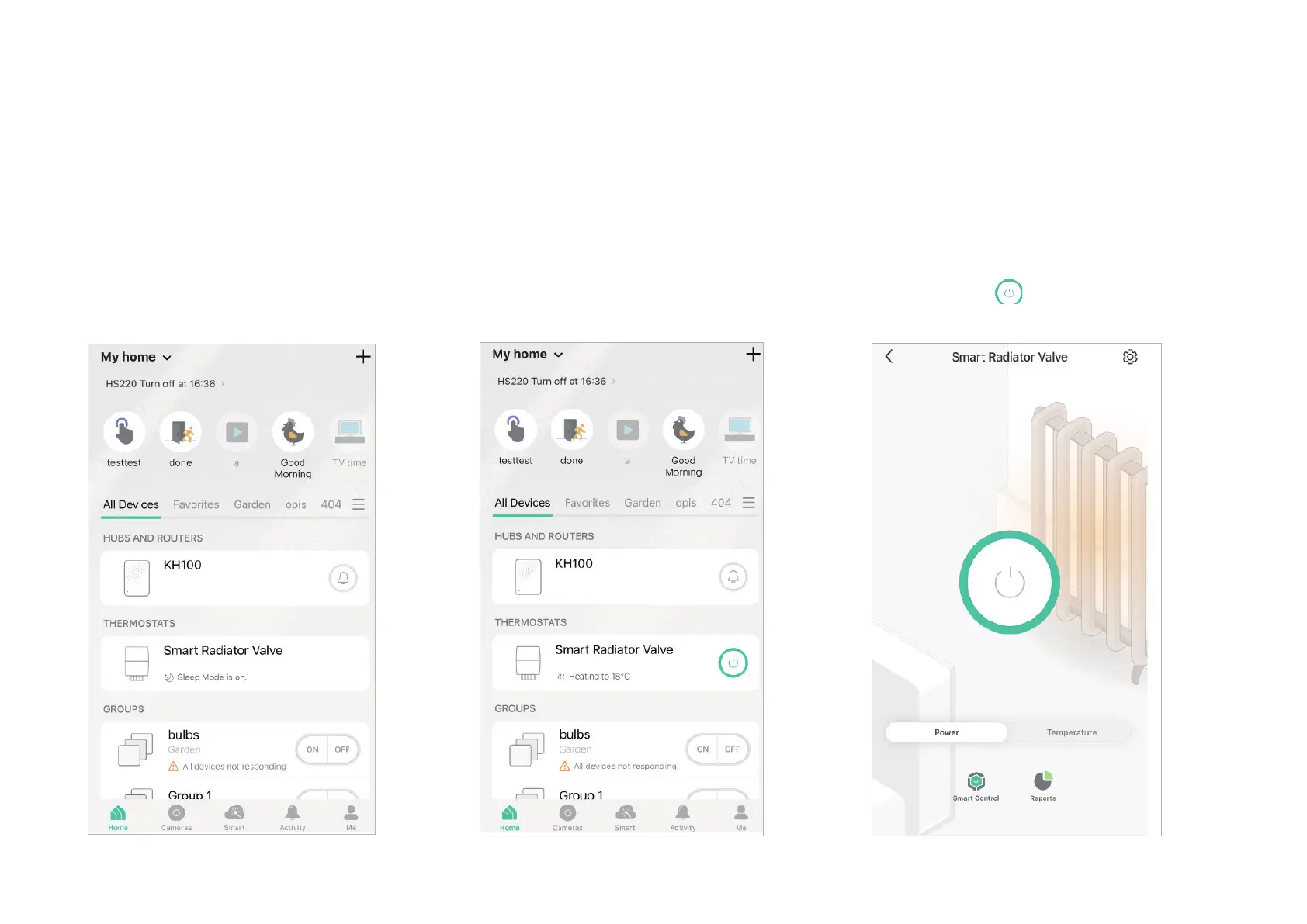
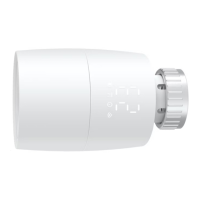
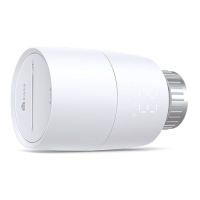
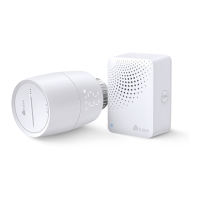
After you successfully set up your smart thermostatic radiator valve, you will see the home page of the Kasa Smart app. Here you can view and manage
all devices that you've added to Kasa. Tap a smart thermostatic radiator valve to control and manage it.
Home Page
You can see all your Kasa devices listed in the
Home page.
Turn on/o the smart thermostatic radiator valve
Turn on/o your smart thermostatic radiator valve quickly by tapping on the device list. You can
also achieve it on the status page.


 To Next Page