EasyManua.ls Logo

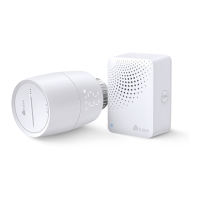
TP-Link Kasa Smart KE100 KIT - Appearance-Thermostatic Radiator Valve

TP-Link Kasa Smart KE100 KIT
42 pages
Print Icon
To Next Page IconTo Next Page
To Previous Page IconTo Previous Page
Loading...
4
Appearance-Thermostatic Radiator Valve
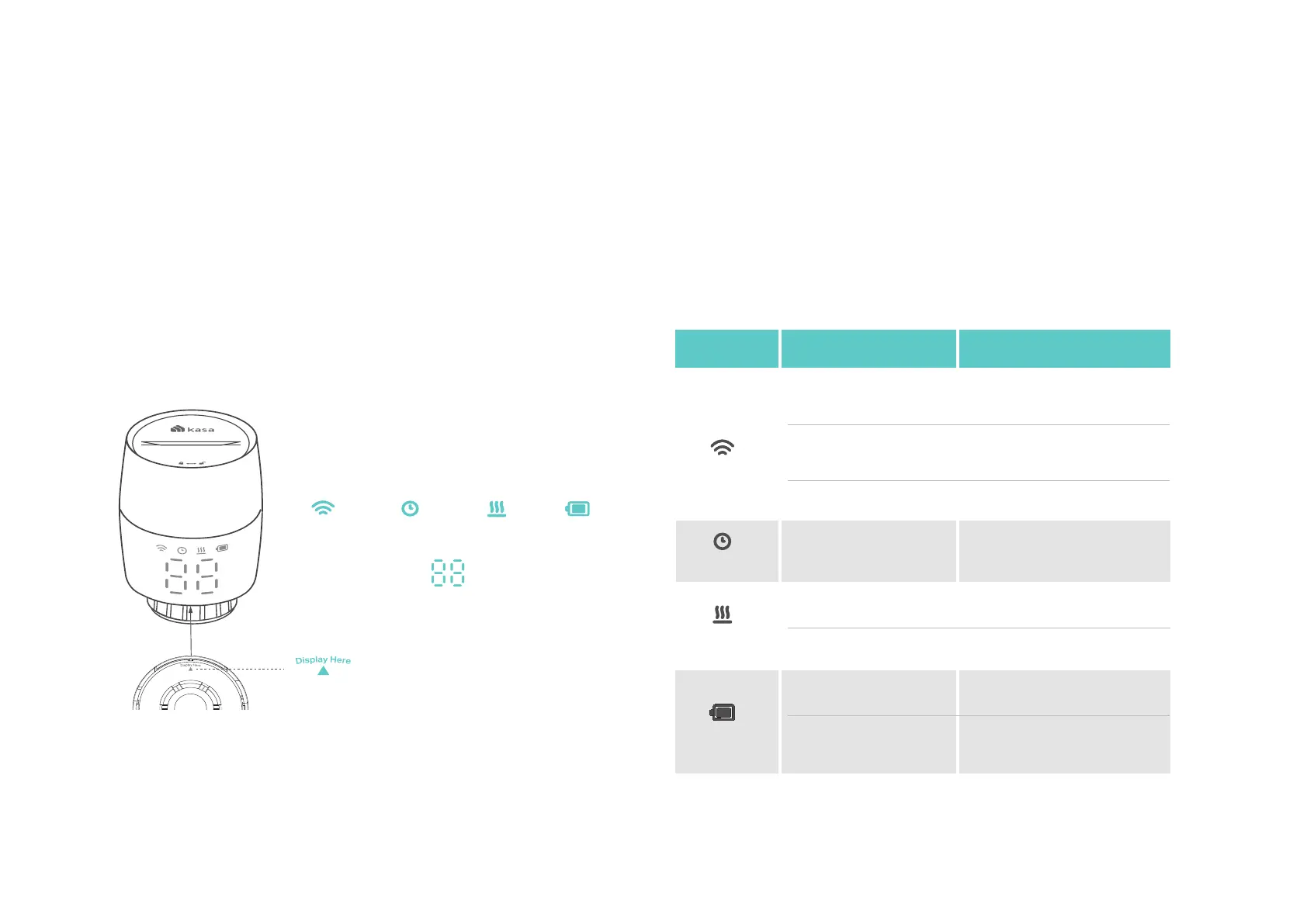
The Kasa Smart Thermostatic Radiator Valve has LEDs to show you the current status of Wi-Fi, Schedule, Heating, Battery and Temperature. It also has
a control knob for temperature adjustment and a SYNC/ RESET button. See the detailed explanation below:
LEDs:
Temperature
Appearance
Heating Battery
Wireless Schedule
Indicates the position of the display
LED Explanations
LED
Wireless
Schedule
Heating
LED Status
Blinking fast
Solid on
Solid on
Solid on
LED is off
Blinking
Solid on
Battery
Event
Pairing;
Device resetting
Pairing complete
Blinking slowly
Ready to be paired;
Offline
Adjust temperature
based on your schedule
Raise temperature
Keep/lower temperature
Low battery
Sufficient battery
power

Related product manuals