3
¾ FX port supports hot-swappable(only for MC220L).
Connectors and Network Cables Supported
The connectors and network cables supported by the converter are
listed as follows.
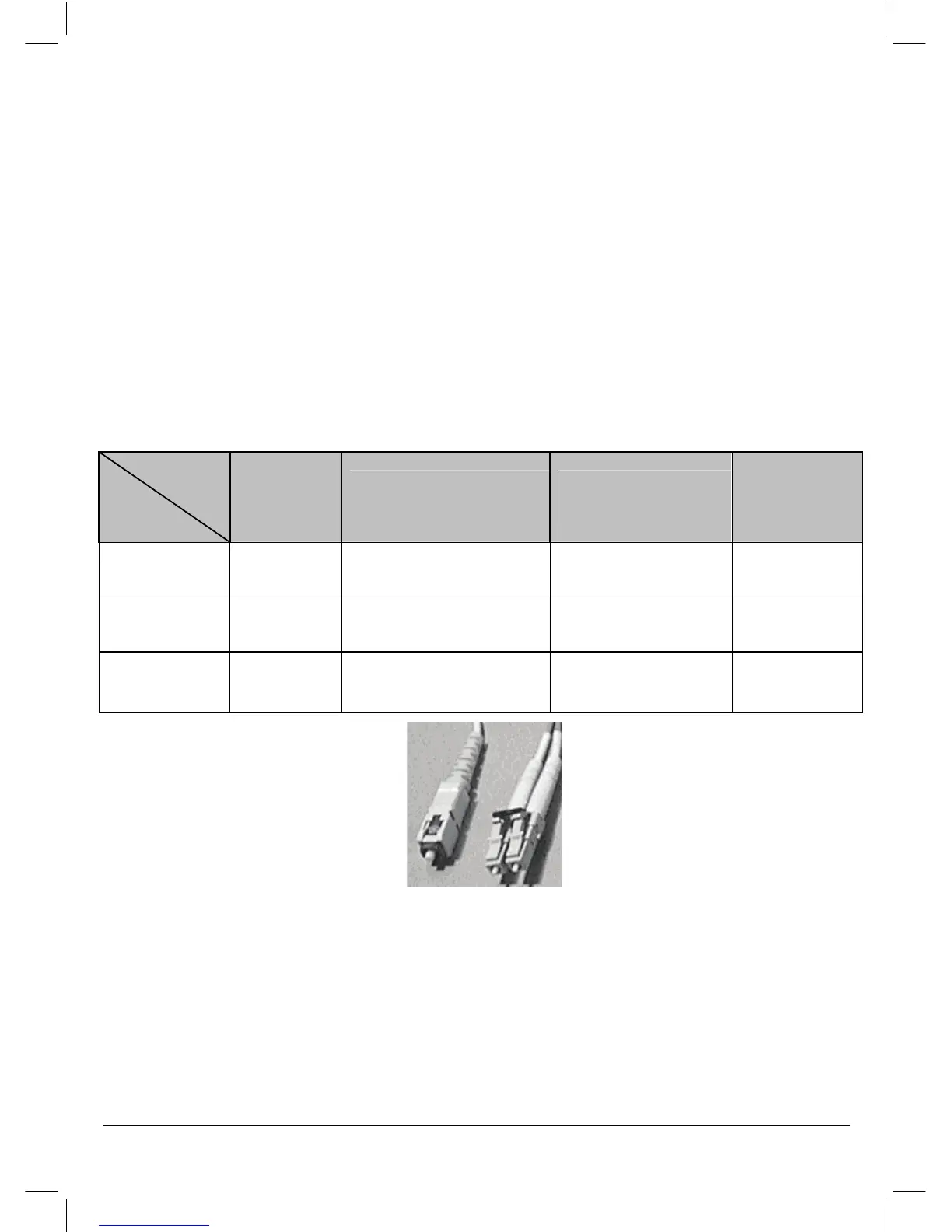
¾ Connectors: RJ-45, SC, LC.
¾ Network Cables: Cat.5 Twisted-Pair(below abbreviated as TP),
9/125um Single-mode fiber, 62.5/125,50/125um Multi-mode fiber.
Model No.
Interface
Transmission
Distance
Transmission
Media
Output
Center
Wavelength
MC200CM RJ45--SC
0.55km(50/125um)
0.22km(62.5/125um)
Multi-mode
Fiber,TP
850nm
MC210CS RJ45--SC 15km
Single-mode
Fiber,TP
1310nm
MC220L RJ45--LC 0.55km/10km Multi/single-mode
850nm/1310
nm
SC fiber connector and LC fiber connector
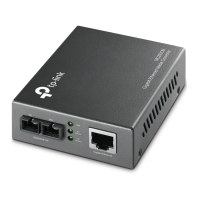
3. Appearance Indication
3.1 LED Indicators
This converter has LED indicators which can provide a real-time report.


 To Next Page