Monitoring Configuring Loop Prevention
User Guide
43
5
Configuring Loop Prevention
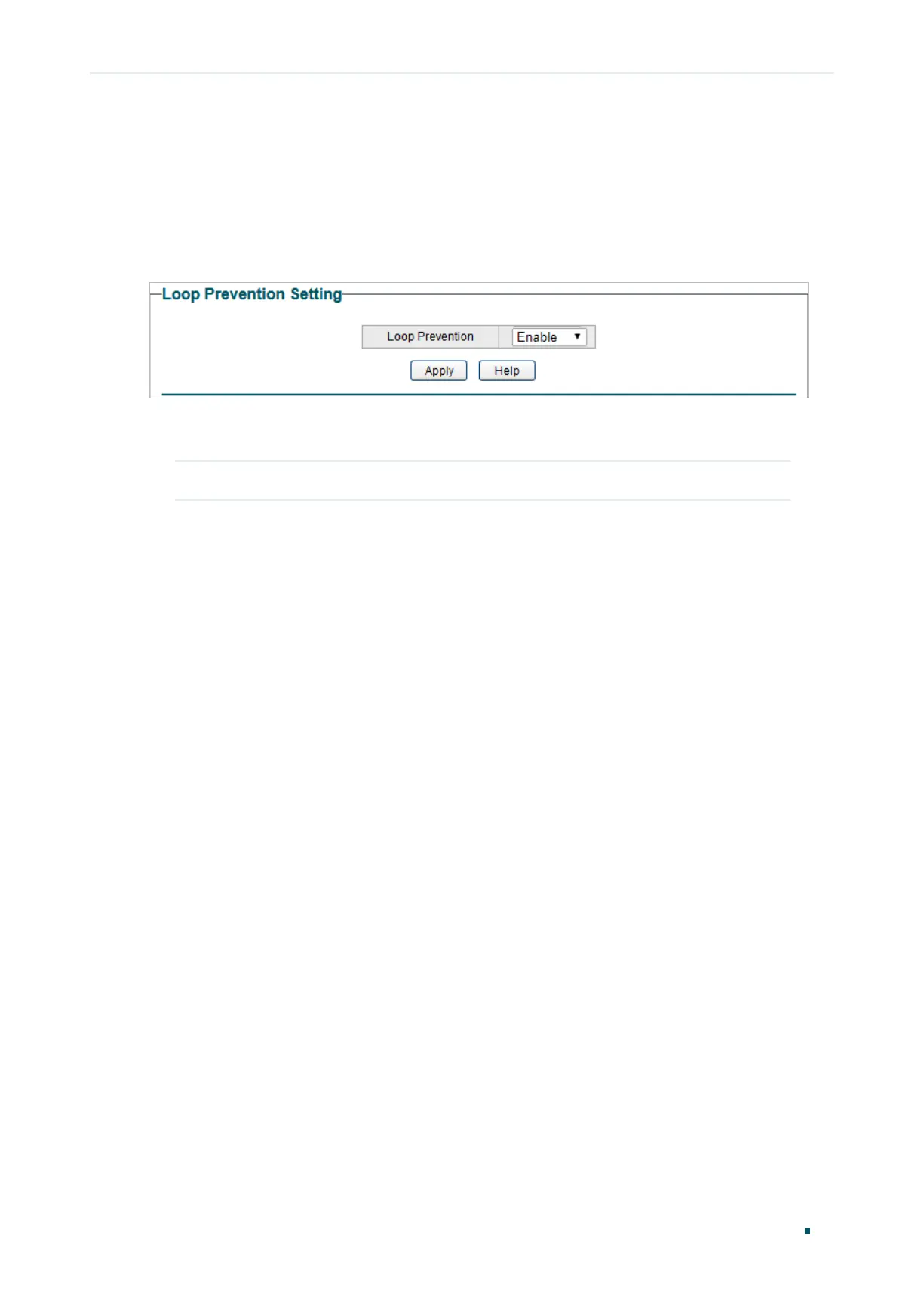
Choose the menu Monitoring > Loop Prevention to load the following page.
Figure 5-1 Configuring Loop Prevention
Follow these steps to configure loop prevention:
1) Enable or disable loop prevention.
Loop Prevention Enable or disable the loop prevention feature globally.
2) Click Apply.











 To Next Page