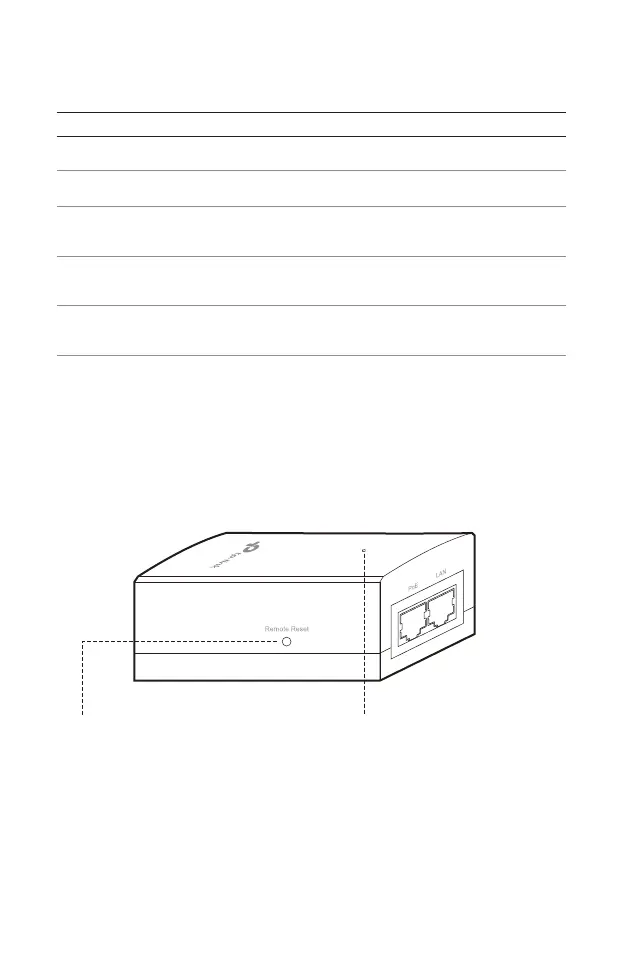
SYS LED Explanation
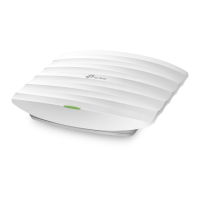
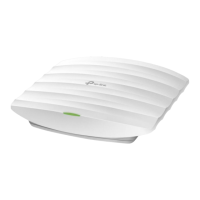
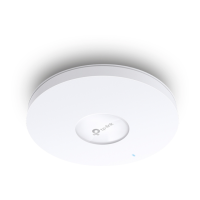
LED Status Indication
Passive PoE Adapter
3
Solid green The device is initializing or working properly .
Flashes red System errors. RAM, Flash, Ethernet, WLAN or
rmware may be malfunctioning.
Flashes yellow Firmware update is in progress. Do not disconnect
or power o the device.
Double ashes red,
green, yellow
The device is being reset to its factory default
settings.
Flashes green twice Initialization is completed.
Power LED:
On: Power on
Off: Power off
Remote Reset:
Press and hold for 8 seconds
to reset the EAP to its factory
default settings.







 To Next Page