Omada L2+/Stackable Lite L3 Managed Switch
20 Installation
enough to damage electronic devices, more effective lightning protection measures should be
taken.
■
Ensure that the rack and the device are well earthed.
■
Make sure the power socket has a good contact with the ground.
■
Keep a reasonable cabling system and avoid induced lightning.
■
Use the signal SPD (Surge Protective Device) when wiring outdoor.
Note:
For detailed lightning protection measures, refer to the Lightning Protection Guide from the
Related Documents:
https://www.tp-link.com/us/conguration-guides/lightning_protection_guide/.
Installation Site
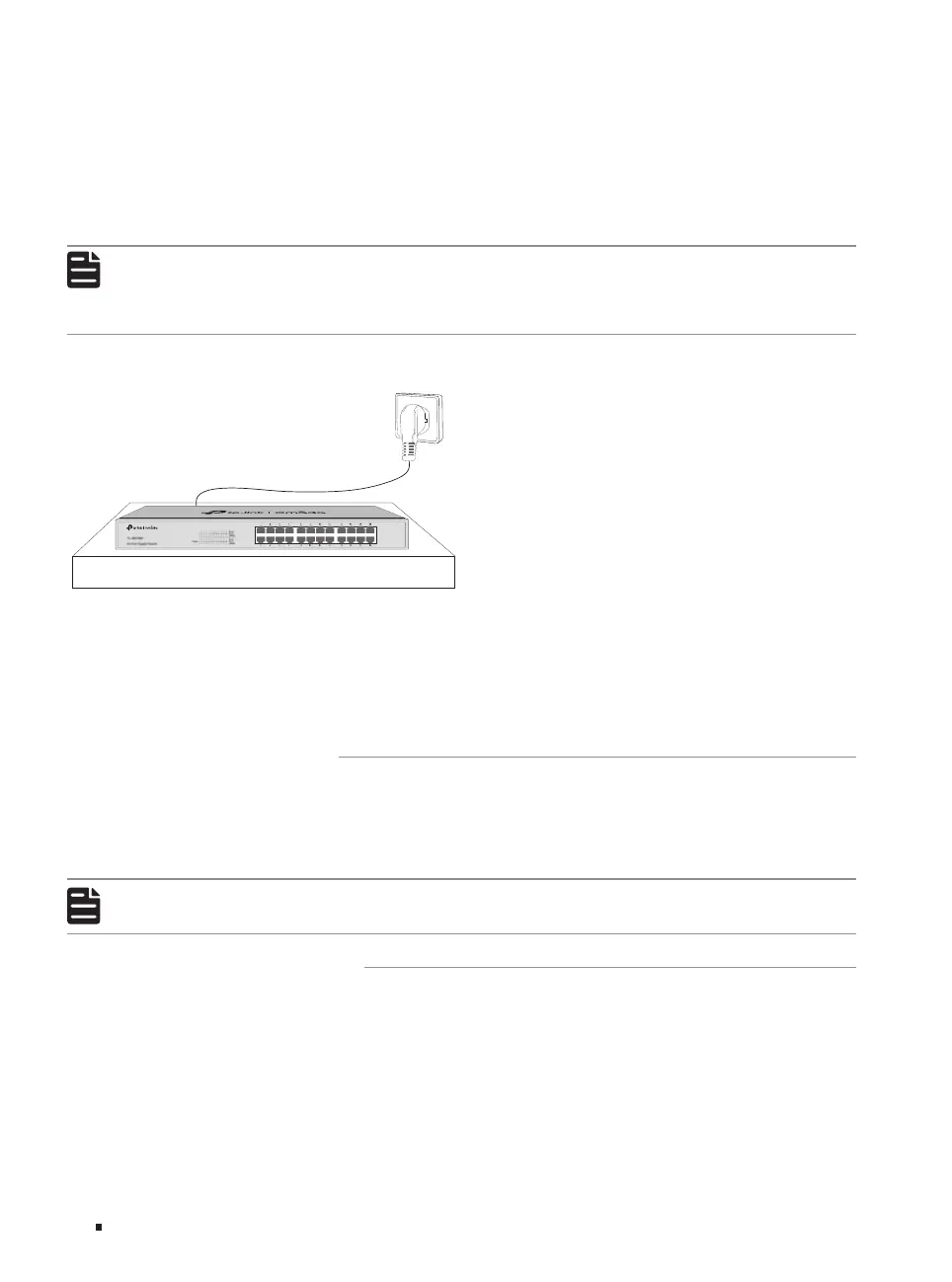
When installing the device on a rack or a flat workbench, attach much importance to the following
items:
■
The rack or workbench is flat, stable, and sturdy enough to support the weight of 5.5 kg at least.
■
The rack or workbench has a good ventilation system. The equipment room is well ventilated.
■
The rack is well grounded. Keep the device less than 1.5 meters away from the power socket.
2.3 Installation Tools
■
Phillips screwdriver
■
ESD-preventive wrist wrap
■
Cables
Note:
These tools are not included with our product. If needed, you can purchase them separately.
2.4 Product Installation
■
Desktop Installation
To install the device on the desktop, follow the steps:
1. Set the device on a flat surface which is strong enough to support the entire weight of the device
with all fittings.
2. Remove the adhesive backing papers from the rubber feet.








 To Next Page