2
Introduction
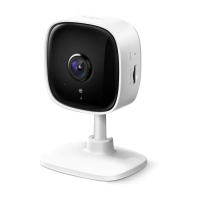
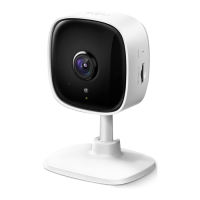
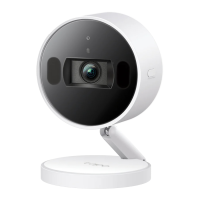
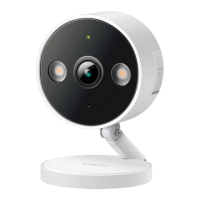
When you are away home, there are always something you care about. This is where the smart camera functions. No matter your child is climbing the
kitchen cabinet, or the pet is stealing snacks, the Home Security Wi-Fi Camera helps you stay with them anytime, anywhere. Receive a notication
whenever your camera detects motion and see a video clip of this motion to check everything.
• Always Keep an Eye on What Matters to You – Receive instant notications and check live viewswhen motion, a person, or a baby crying is
detected. You can also set up activity zones to only monitor key areas in view.
• 1080p Full High Denition – Provides greater sharpness and clarity.
• Customizable Block Zones – Set customizable block zones to keep private areas from being monitored.
• Alarm System – Triggers sound alarms to frighten away unwanted visitors.
• Night Vision (Up to 40 ft) – Provides a visual distance of up to 40 ft in total darkness.
• Local* and Cloud** Storage – Save recorded videos on the microSD card* (up to 512 GB) or by using Tapo Care cloud storage services.
*microSD card needs to be purchased separately. Actual storage capacity depends on the size of the microSD card used.
*Subscribe for cloud storage at https://www.tapo.com/tapocare/
• Two-Way Audio – Communicate in real time through a built-in microphone and speaker.
• Sharing – Share adorable and amusing moments with loved ones.
• Activity Zones – Set up your own activity zones to only receive alerts that matter.
• Easy Setup – Follow in-app instructions to easily set up within minutes.



 To Next Page