5
Mount Your Camera
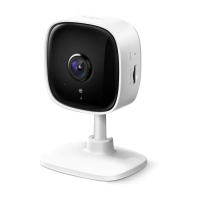
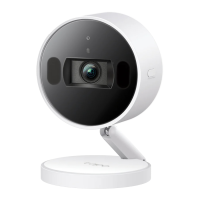
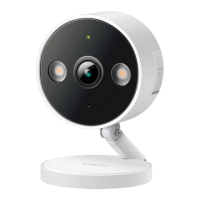
When you nish adding your camera in the Tapo app, you can set it on a table or shelf. You can also mount it using the provided anchors and screws.
Follow the steps below to mount your new camera.
Place the mounting template where you
want the camera.
For wall mounting, drill two holes through
two circles.
Φ=6 mm (15/64 in.)
Size of scews:
1. Mark Position
Hang your camera on the screws.
3. Secure Camera2. Ax Screws
Ax two mounting screws with the help of
mounting template.
For wall mounting, insert two anchors into holes
and screw the screws into the anchors.



 To Next Page