3
Appearance
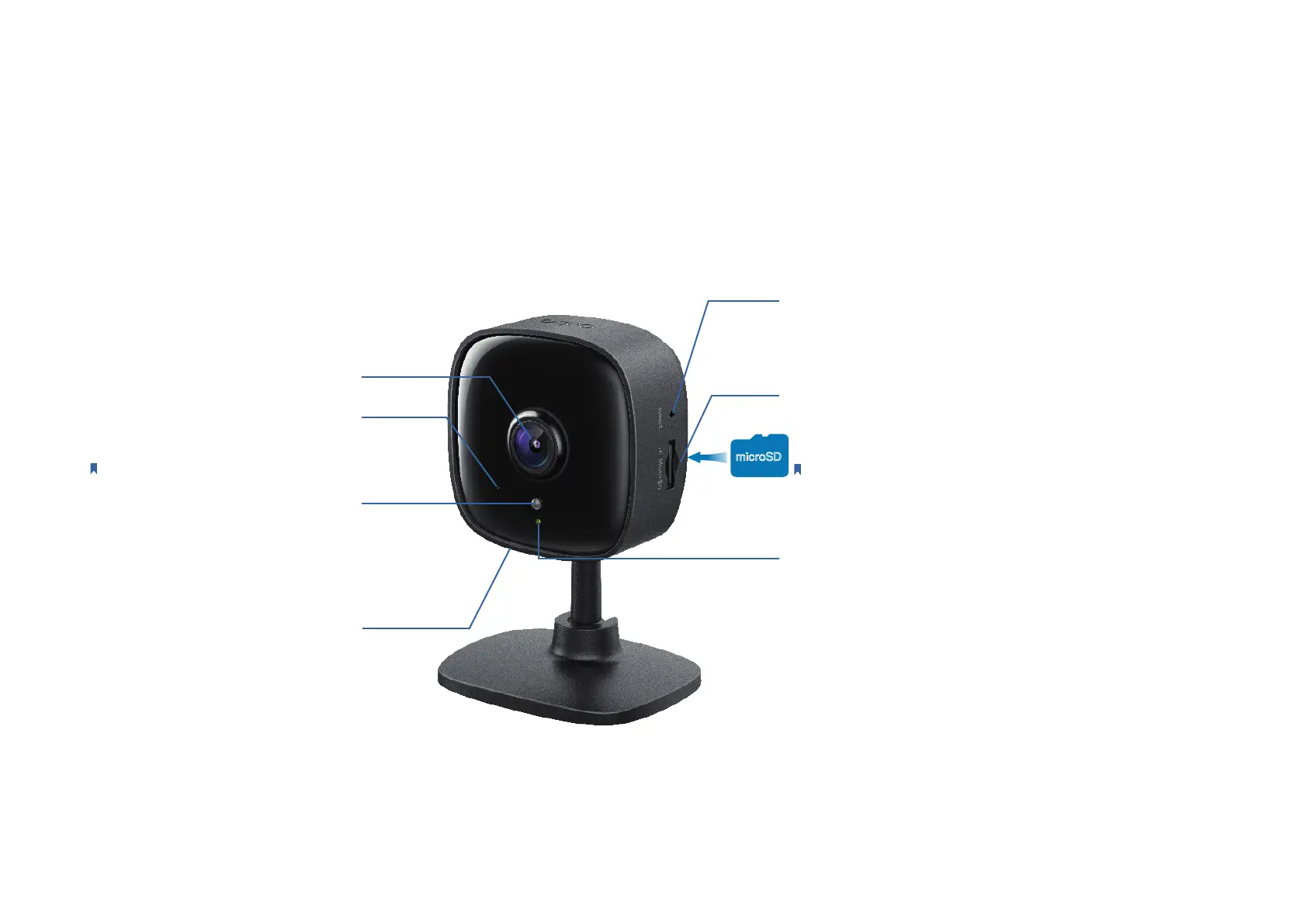
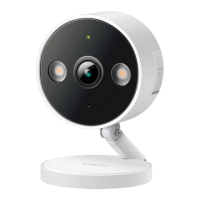
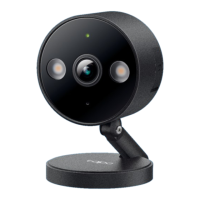
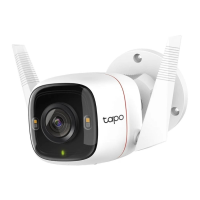
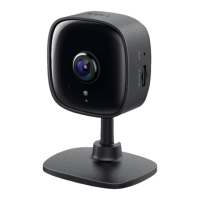
The Home Security Wi-Fi Camera has a system LED that changes color according to its status, an alert light, lens, microphone, DC power port, RESET
button and a microSD card slot. Refer below for details.
microSD Card Slot
Insert a microSD card and initialize it on the app for local
recording.
Note:
Holding the card in the correct orientation, carefully insert
the SD card into the slot. Push in the SD card until you hear a clicking
sound. Do NOT insert at an angle or use force.
System LED
• Solid red: Starting up
• Blinking red and green: Ready for setup
• Blinking red slowly: Connecting to Wi-Fi
• Solid amber: Connected to Wi-Fi
• Solid green: Connected to the cloud
• Blinking red quickly: Camera resetting
• Blinking green quickly: Camera updating
RESET Button
Press and hold for at least 5 seconds until the LED blinks
red to reset your camera.
Alert Light
Blinks to alert you when the activity
detected.
DC Power Port
Connect the power cord provided.
Lens
Microphone
Built-in internal microphone.
Note:
Do NOT insert objects into the hole.
microSD



 To Next Page