2
Introduction
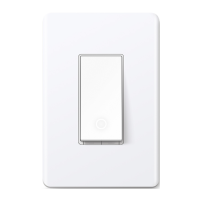
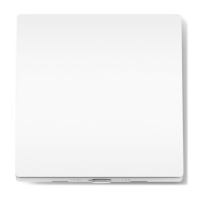
Make your traditional lighting smart with the Tapo Smart Wi-Fi Light Switch. Turn your lights on and o with your voice, or control them from your phone.
• Voice Control – Manage your smart switch with simple voice commands via Amazon Alexa, Google Assistant, or Samsung Bixby.
• Remote Control – Instantly turn connected devices on/o from wherever you are through the Tapo app.
• Schedule – Preset a schedule to automatically manage devices.
• Auto-O – Automatically turns o a connected device after the device is left on for a set time.
• Away Mode – Randomly turns devices on and o at dierent times to give the appearance that someone is home.
• Easy Installation – Interchangeable Load and Line terminals guarantee hassle-free installation
• Smarter with Sensors – Create Smart Actions triggered by Tapo smart sensors for greater automation.


 To Next Page