5
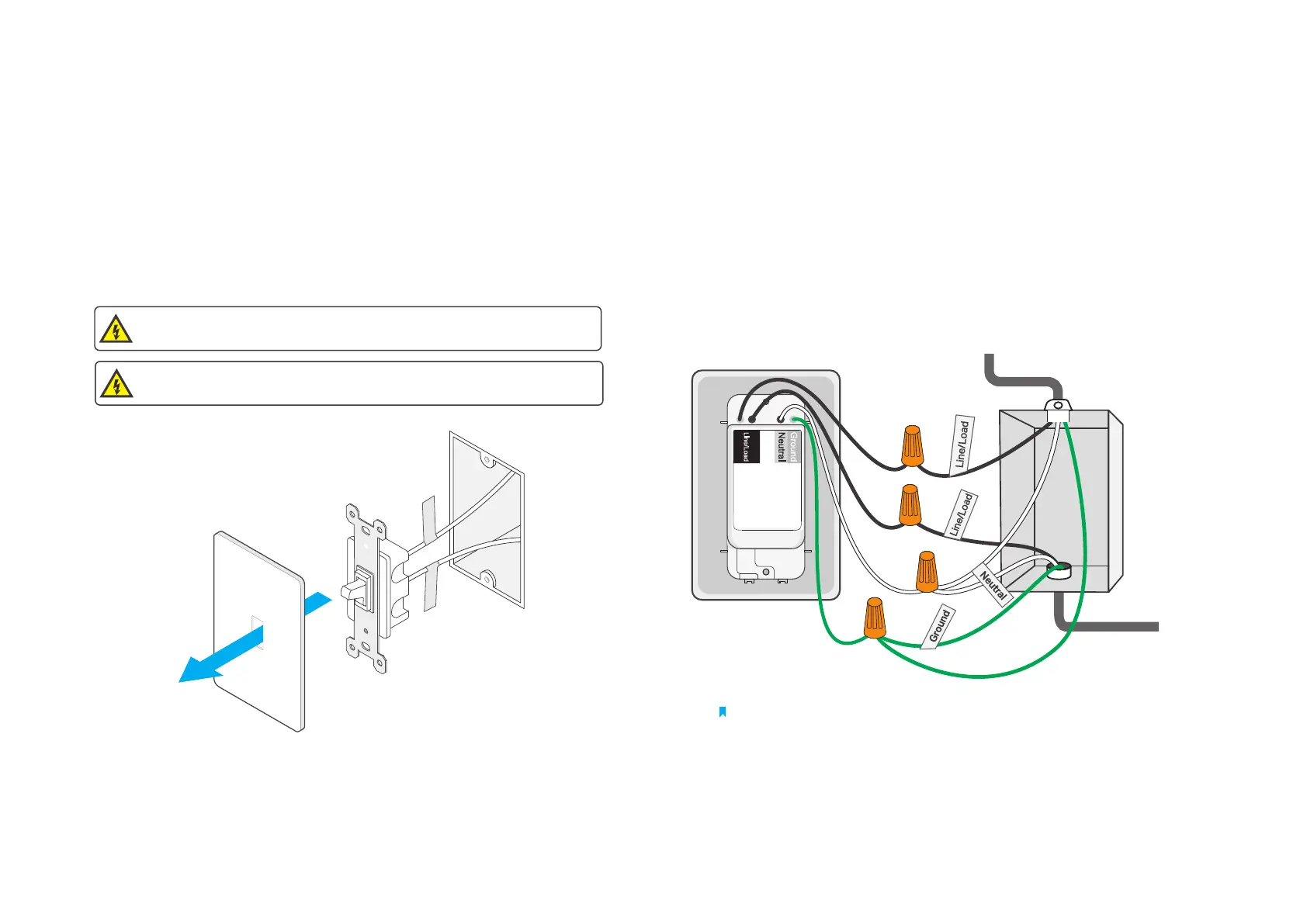
Step 1. Turn O Power and Remove the Wallplate
Turn o the circuit breaker. Then remove the old wallplate of the wall
switch and label the wires.
Step 3. Label and Connect the Wires
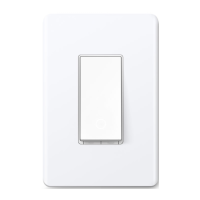
Label the wires. Use the wire nuts to connect your smart switch to the
wall box as shown below.
Wire Your Switch
Step 2. Expose Your Switch Wiring
Remove the screws securing your old switch to the wall box. Gently
pull the switch out and disconnect wires from the old switch.
Note: No need to distinguish between Line and Load wires.
MISE EN GARDE
Risque d'électrocution - Haute tension. Débrancher l'alimentation électrique avant d'utiliser.
CAUTION
Risk of Electric Shocks - High Voltage - Disconnect power supply before servicing.


 To Next Page