5
Wire Your Switch
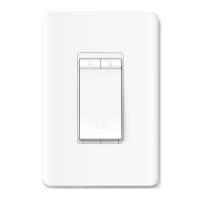
Follow the steps below to wire your Smart Wi-Fi Dimmer Light Switch. If you are not familiar with basic electronical wiring, please consult an electrician.
Before You Start
1. Prepare Baisc knowledge of Wiring
• Ground: Usually green or copper.
• Neutral: Usually white, not connected to the dumb switch.
• Line: Usually black and coming from the circuit breaker.
• Load: Usually black. One end is connected to the light.
Note: If you are unsure, consult a qualied electrician.
2. Prepare Your Tools
Prepare a philips and slotted screwdriver, pliers, wire strippers and a voltage detector.
3. Check Wi-Fi Strength
Make sure your switch is in a area with strong Wi-Fi signal.


 To Next Page