TD-8811/8811B External ADSL2+ ROUTER
16
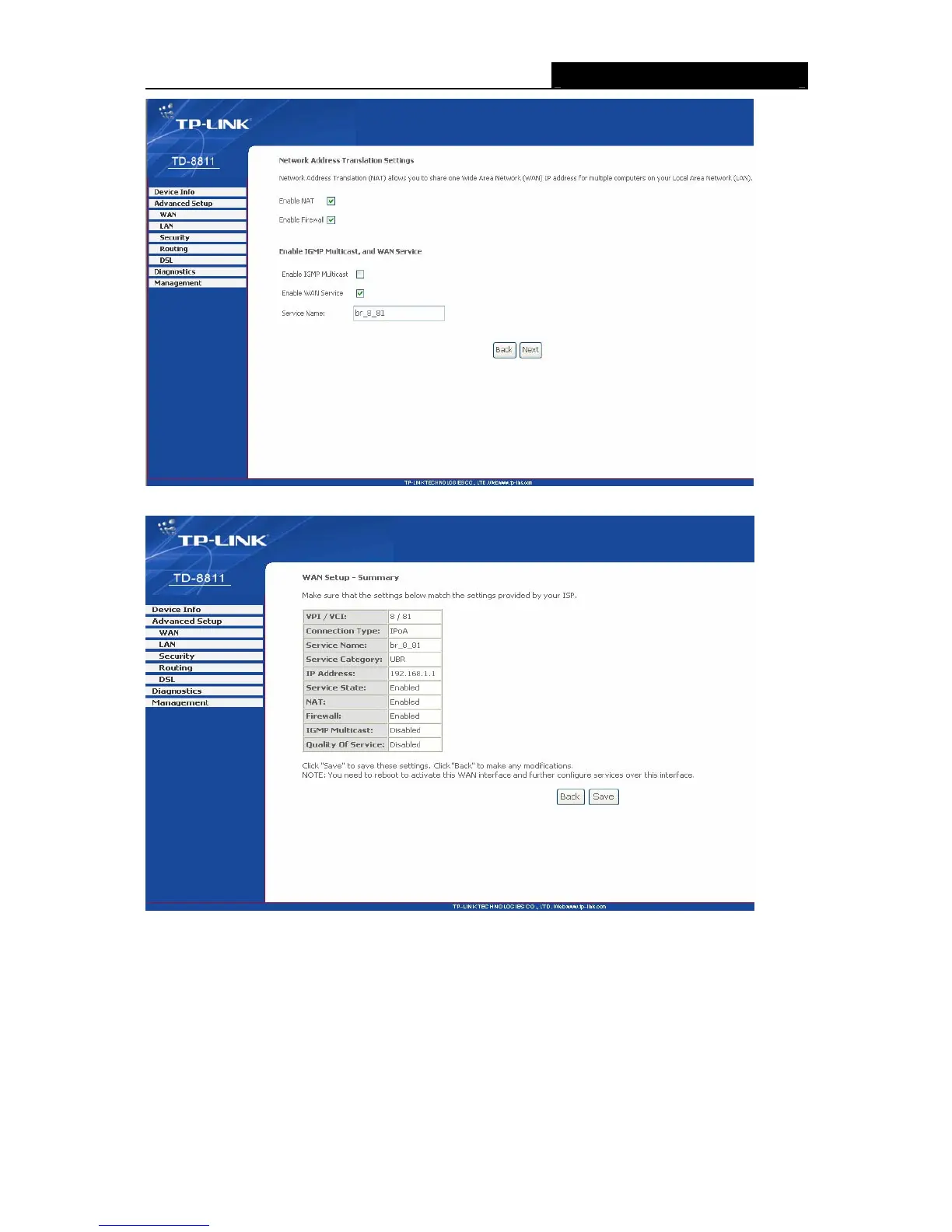
Figure 3-20
Figure 3-21
¾ Bridging
If you select the Bridging protocol, you just open the bridge service function options, you will see
the Figure 3-22, then click the next button, you will see the Figure 3-23, press save to complete
the configuration finally.



 To Next Page
 Loading...








