© 2024 TP-Link 7106511704 REV6.0.0
On: Power on
O: Power o
Flashing: Loop occurs in the network topology
Panel Explanation
Power LED
Switch
Link/Act LED
Note:
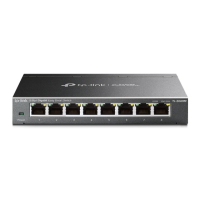
For simplicity, we will take TL-SG608 for example throughout this Guide.
Connection
Ethernet Ports (1-8)
PC
PC
Router
LAN PortWAN Port
Internet
TL-SG608
Power Adapter
Link/Act
On: Running at 10/100/1000 Mbps
O: No device is linked to the corresponding port
Quick ashing: Transmitting/receiving data
Slow ashing: Loop is detected on the corresponding port
On: The switch will monitor and address loop-related
issues within the network structure to prevent disruptions
caused by redundant pathing
O: (default) The switch will not try to monitor or address
loop-related issues
Installation Guide
Installation
Desktop:
Attach the supplied feet to the bottom of the switch to prevent it from slipping
when placed on a desktop.
Note: For detailed information, please refer
to the Wall Mounting Guide on the device’s
support page.
Wall-mounting:
Drill two holes on the wall according to the mounting holes on the bottom of
the switch, then secure the switch to the wall with two suitable screws (not
provided).
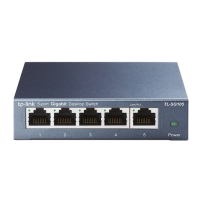
5/8-Port Gigabit Desktop Switch

 Need help?

 To Next Page
 General