3
Chapter 1
Get to Know about Your Adapter
1. 1. Product Overview
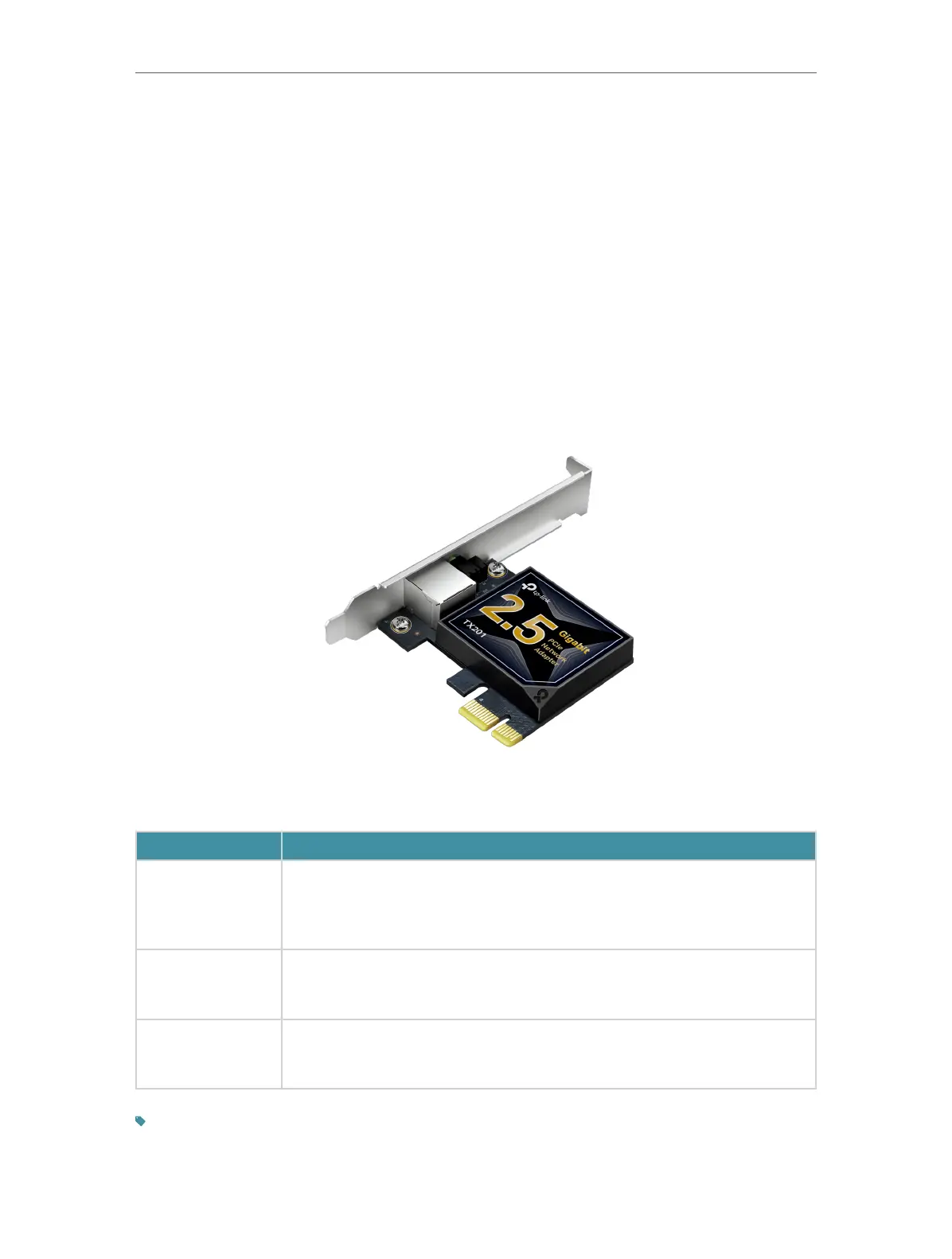
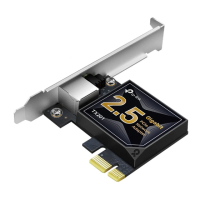
Combined with the latest 2.5GBase-T Technology, TX201 delivers extreme
speeds of up to 2.5 Gbps, which is 2.5× faster than typical Gigabit adapters,
guaranteeing smooth data transmissions for all your bandwidth-intensive tasks.
This will lead you to a new era of 2.5 Gbps home networking.
With extreme speed and ultra-low latency, 2.5GBase-T is backwards compatible
with Fast Ethernet and Gigabit Ethernet, automatically negotiating between
higher and lower speed connections.
1. 2. LED Status
LED Status:
LED
Status
100M/10M Link
On: The adapter speed is negotiated to 100 Mbps/10 Mbps, but no data
transmission.
Flashing: The adapter is working at 100 Mbps or 10 Mbps.
Off: No link or the adapter is working at a different speed.
1000M
Link
On: The adapter speed is negotiated to 1 Gbps, but no data transmission.
Flashing: The adapter is working at 1 Gbps.
Off: No link or the adapter is working at a different speed.
2.5G
Link
On: The adapter speed is negotiated to 2.5 Gbps, but no data transmission.
Flashing: The adapter is working at 2.5 Gbps.
Off: No link or the adapter is working at a different speed.
Tips:
If neither LED flashes, check whether the adapter is detected by the computer or the driver is successfully
installed.







 To Next Page