www.tp-link.com
If you have any questions related to this product,
please contact our technical support:
http://www.tp-link.com/en/support/contact/
Contact Us
For more information, please refer to:
www.tp-link.com
7106505187 REV1.0.1
Usage Tips: 1. The USB 3.0 ports are also compatible with USB 2.0 and USB
1.1 specifications.
2. The USB 3.0 ports transfer data at a rate up to 5Gbps, but the
actual rate is limited by the USB transfer rate of the connected
devices.
3. The performance of 2.4GHz wireless devices (wireless
keyboards, mouses, etc.) may be affected when they are
working too close to USB 3.0 hubs.
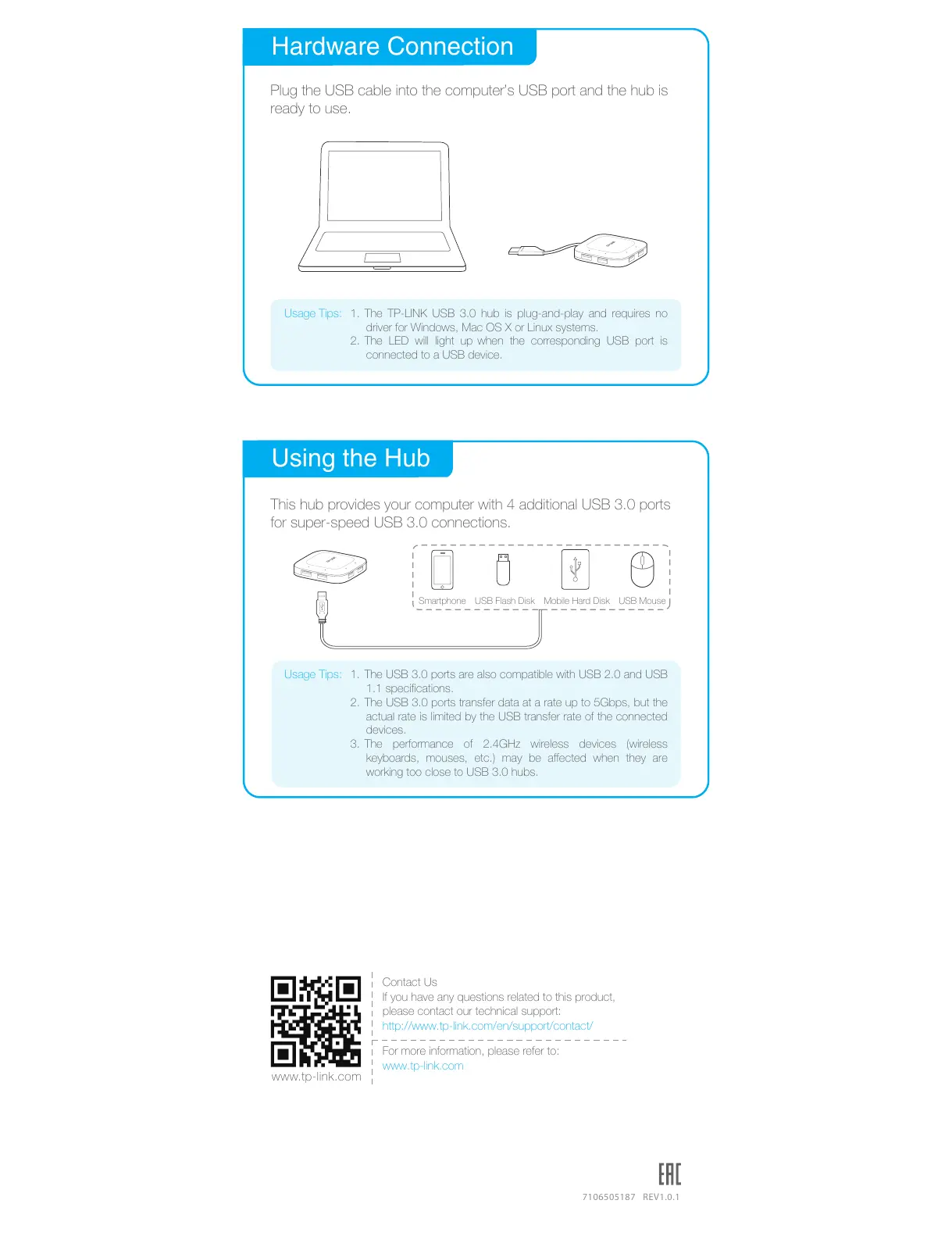
Hardware Connection
Plug the USB cable into the computer’s USB port and the hub is
ready to use.
Usage Tips:
Using the Hub
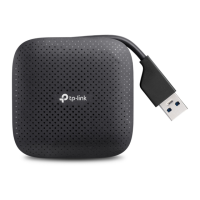
This hub provides your computer with 4 additional USB 3.0 ports
for super-speed USB 3.0 connections.
Smartphone
USB Flash Disk
Mobile Hard Disk USB Mouse
1. The TP-LINK USB 3.0 hub is plug-and-play and requires no
driver for Windows, Mac OS X or Linux systems.
2. The LED will light up when the corresponding USB port is
connected to a USB device.


 To Previous Page