6
Turning On.
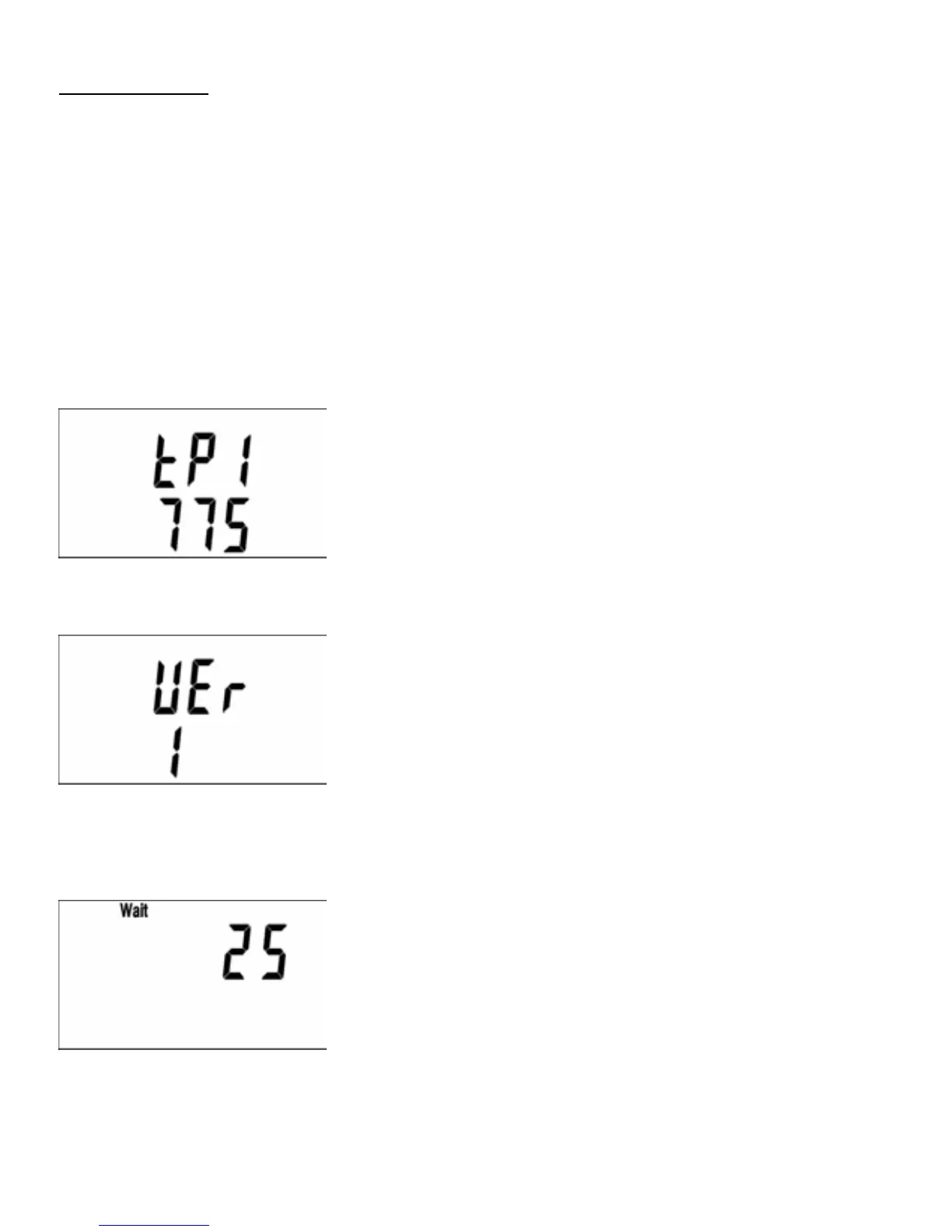
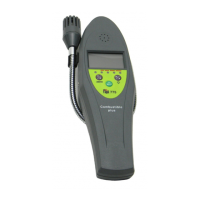
Press the On/Menu button and the instrument will start its set up
procedure as follows:-
NOTE-Should the battery life indicator LED change to RED and the
‘bat’ symbol be displayed then batteries are flat and need replac-
ing.
Software Version
CO and Combustible Gas initialisation period.
25 second countdown.
11
Carbon Monoxide Detection
The following information can be accessed for the purpose of am-
bient Carbon Monoxide monitoring by pressing the ON/MENU but-
ton. Each press of the ON/MENU button will move you onto the
next screen as follows:
Record Maximum Readings
Displays the maximum recorded Carbon Monoxide value since
switch on.
The recorded Maximum CO level can be zeroed by pressing the Y/
▲/ZERO button for 5 seconds.
Elapsed Time
Displays, in Hours and Minutes, the elapsed time since switch on.
6
Turning On.
Press the On/Menu button and the instrument will start its set up
procedure as follows:-
NOTE-Should the battery life indicator LED change to RED and the
‘bat’ symbol be displayed then batteries are flat and need replac-
ing.
Software Version
CO and Combustible Gas initialisation period.
25 second countdown.
11
Carbon Monoxide Detection
The following information can be accessed for the purpose of am-
bient Carbon Monoxide monitoring by pressing the ON/MENU but-
ton. Each press of the ON/MENU button will move you onto the
next screen as follows:
Record Maximum Readings
Displays the maximum recorded Carbon Monoxide value since
switch on.
The recorded Maximum CO level can be zeroed by pressing the Y/
▲/ZERO button for 5 seconds.
Elapsed Time
Displays, in Hours and Minutes, the elapsed time since switch on.
www.GlobalTestSupply.com
Find Quality Products Online at: sales@GlobalTestSupply.com


 To Next Page