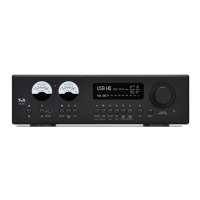
Screen symbols and their meaning
Indicates that the Trigger function for the currently selected source is active in
the System Configuration menu. (see chapter entitled ‘Basic settings of the
PA 2000 R’)
This symbol appears when the Surround function is switched on for the sources
IN3 or IN5.
(see chapter 'Surround operation with the PA 2000 R')
Indicates that the Loudness function is switched on.
Position indicator in Select lists: the first number states the current position in the
list, the second number the total number of list entries (length of list).
Character input mode indicator
The PA 2000 R features different colour profiles for indicating the current operating state. Not all symbols are
used for the various colour profiles, since, for example, almost all operating states can be indicated by means of
differently coloured buttons in the “Multi-colour” colour scheme.
(see chapter entitled ‘Basic settings of the PA 2000 R’)


 To Next Page