EN – 8
4 Operation
► Make sure that the Battery is sufficiently charged before operation.
Switch on drive system:
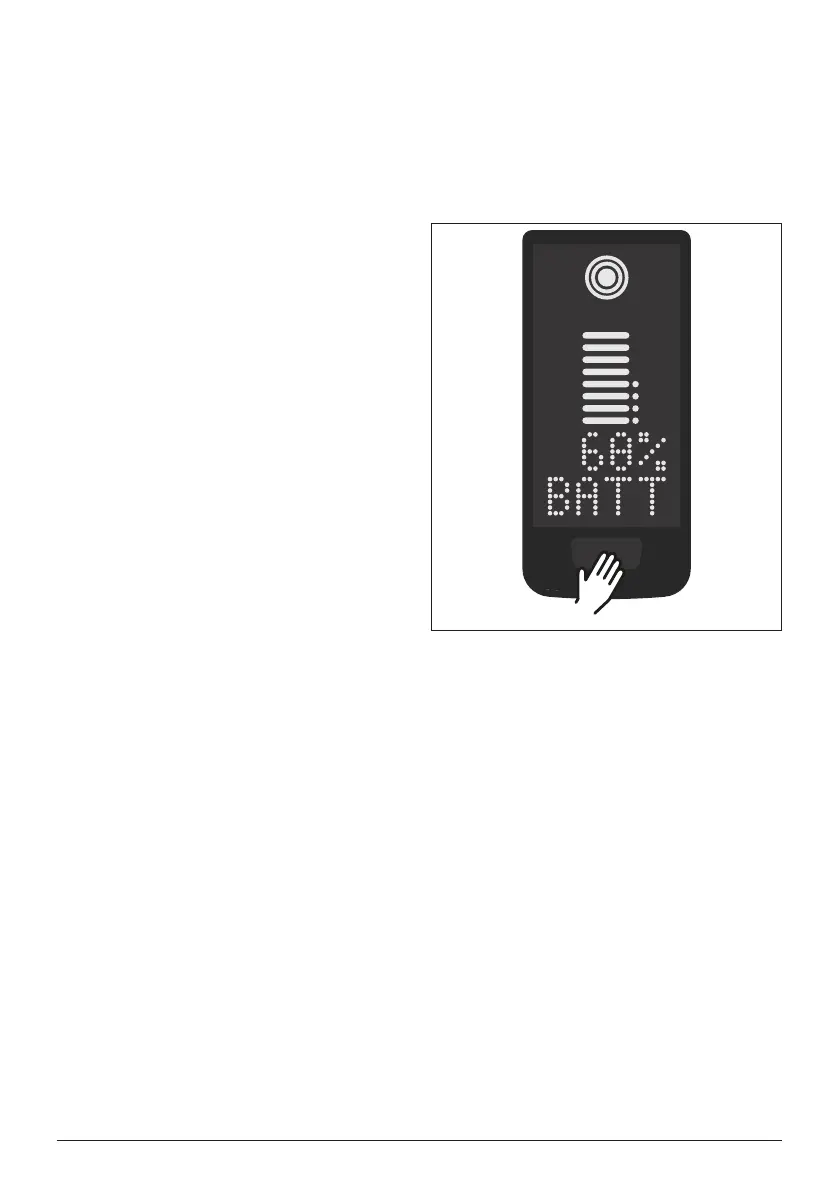
► Switch on the drive unit by shortly
pressing the button (see Fig. 3) on
the Display.
Switch off drive system:
► Switch off the drive unit by long
pressing the button (see Fig. 3) on
the Display.
Fig. 3: Button on Display


 To Next Page