rotate the wheel to maximize the received signal (as indicated by
the LEDs or speaker). The adjustment wheel will modify the
frequency reception for each channel. If tracking two dogs, try to
set the wheel so a strong signal is heard on both dogs.
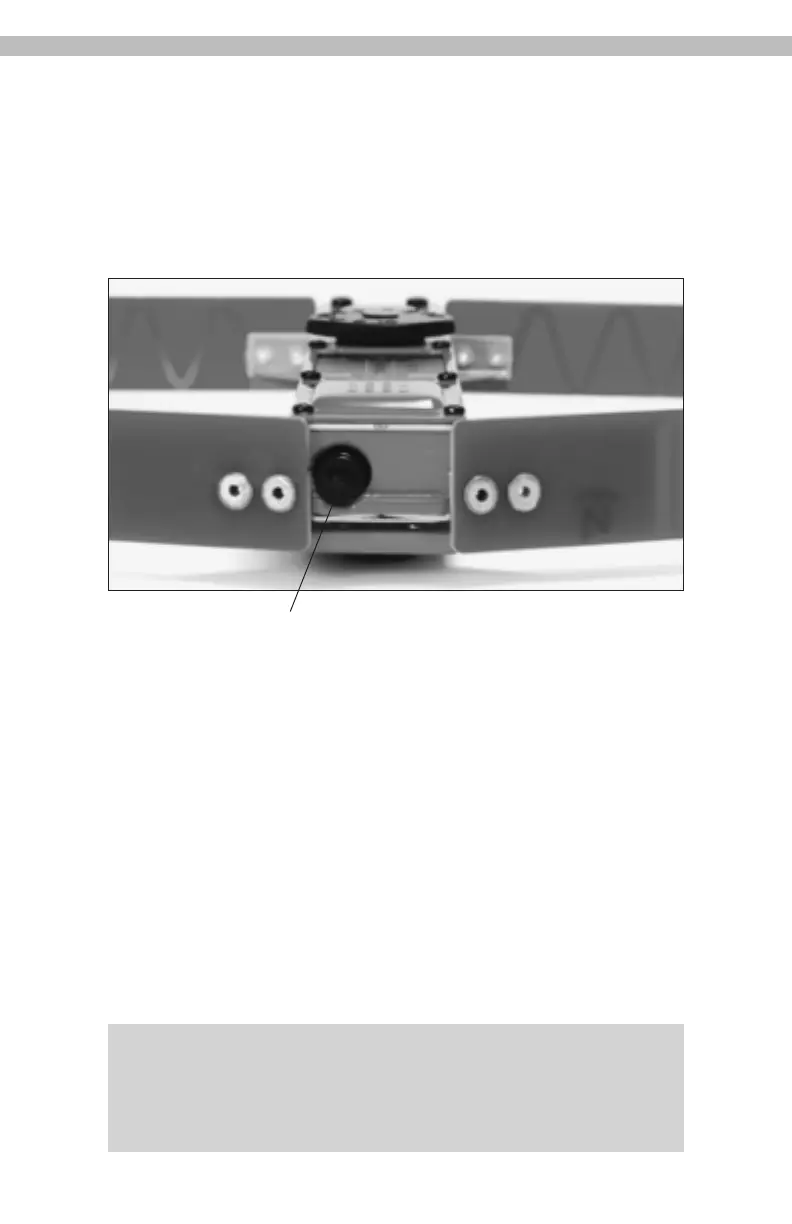
Headphone Plug/Sound cut-off:
6
Headphone Jack
In: Sound on
Out (
1
⁄8”): Sound off
Removed: For headphones (internal speaker off when
Headphones/external speaker is used)
The Headphone Jack takes a standard mini (
1
⁄8") Headphone
Plug (Headphones sold separately) Note that the speaker is OFF
when the Headphones are plugged in. The signal is audible in
both headphone speakers. When removing the plug to allow
the use of headphones, pull straight out. A string fed through
the hole in the plug may help with removal.
IMPORTANT NOTE: Do not attach a ring or other attachment to
plastic plug for purposes of a safety strap. T
his may cause the
plug to break off requiring factory service. Use metal flange adja-
cent to the headphone jack to attach receiver to holster
, belt, etc.


 To Next Page