Location of receiver
Similar to the location of the transmitter, any given signal can be
received at greater distance if the receiving antenna is high in the
air, therefore, a stronger signal may be obtained by positioning
the receiver higher off the ground. NOTE: It is much worse for
the Receiver to be in a depression than the transmitter.
TRANSMITTERS:
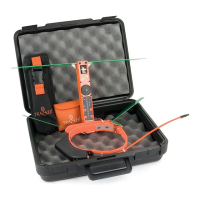
For many applications, Tracker markets transmitters with the
Classic receivers, as a package. See the Quick Start Guide for
your transmitter type or download off of www.trackerradio.com
TROUBLESHOOTING:
Receiver will not turn on
1. Make sure you are pressing and holding the ON/OFF button
for at least 1 second.
2. Remove battery cover and check to make sure batteries are
connected and battery clip wires are ok. If wires are broken
or frayed, send unit in for service.
3. Use a battery tester, not a Multimeter/volt meter to assure
that both batteries have sufficient strength.
4. Try replacing batteries. If unit still does not turn on, send unit
in for service.
Receiver is on but no sound is heard from speaker
1. Make sure gain control is set high enough to be able to acti-
vate speaker.
2. Insure the Black Plastic Mute/Silencer plug is all the way in
the Headphone Jack.
3. Remove the plug.
4. If there is still no sound from the internal speaker, send unit
in for service.
16


 To Next Page