Automatic Shut-off:
The Tracker receiver features an automatic shut-off circuit that will
guard against running down the batteries if the receiver is inad-
vertently left on. Most receivers are set to shut down after 15
minutes if the ON button is not re-pushed.
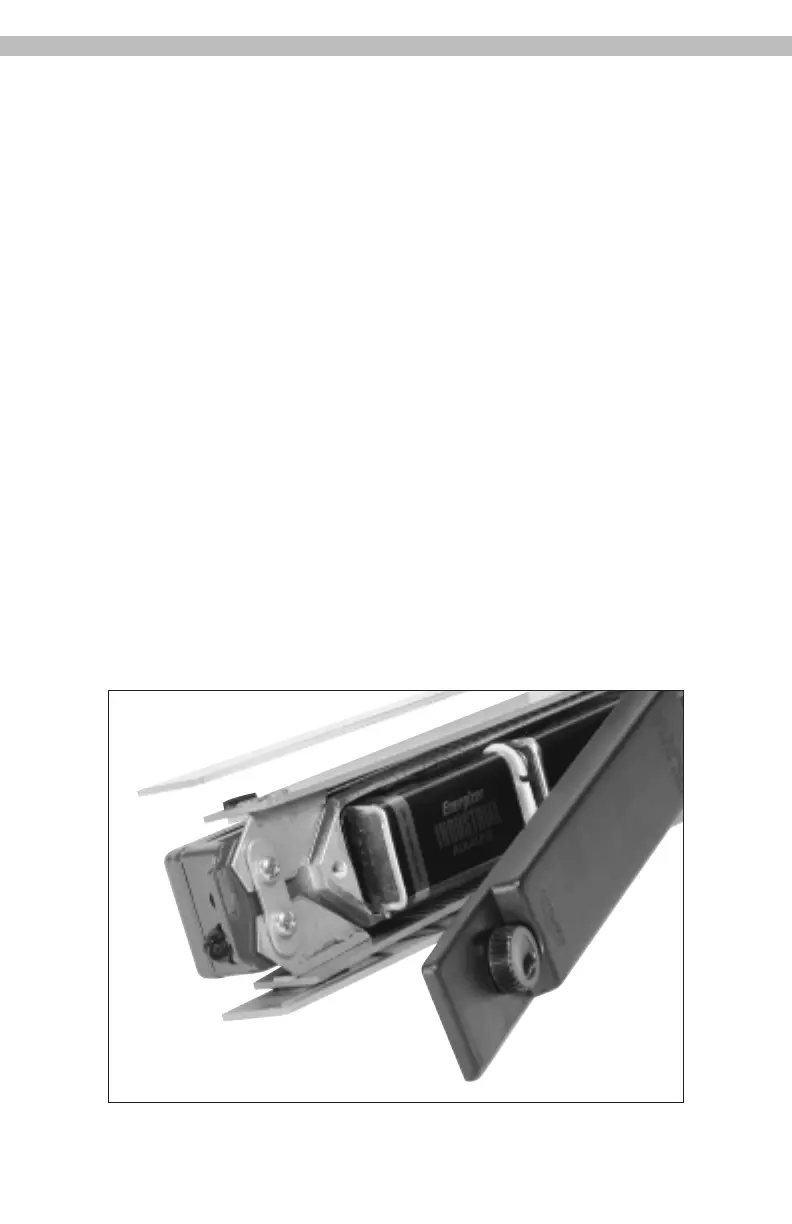
Changing the Batteries:
1. Start by turning the receiver upside down to allow access to
battery compartment.
2. Loosen the retaining screw on the battery cover and remove
the cover exposing the two 9 Volt batteries.
3. Replace BOTH batteries with 9 Volt batteries of same type
and equal strength. New 9 volt Alkaline batteries are
recommended.
4. Replace the battery compartment cover - start by inserting
forward edge in slot at the front end of the compartment.
5. Tighten the retaining screw.
7


 To Next Page