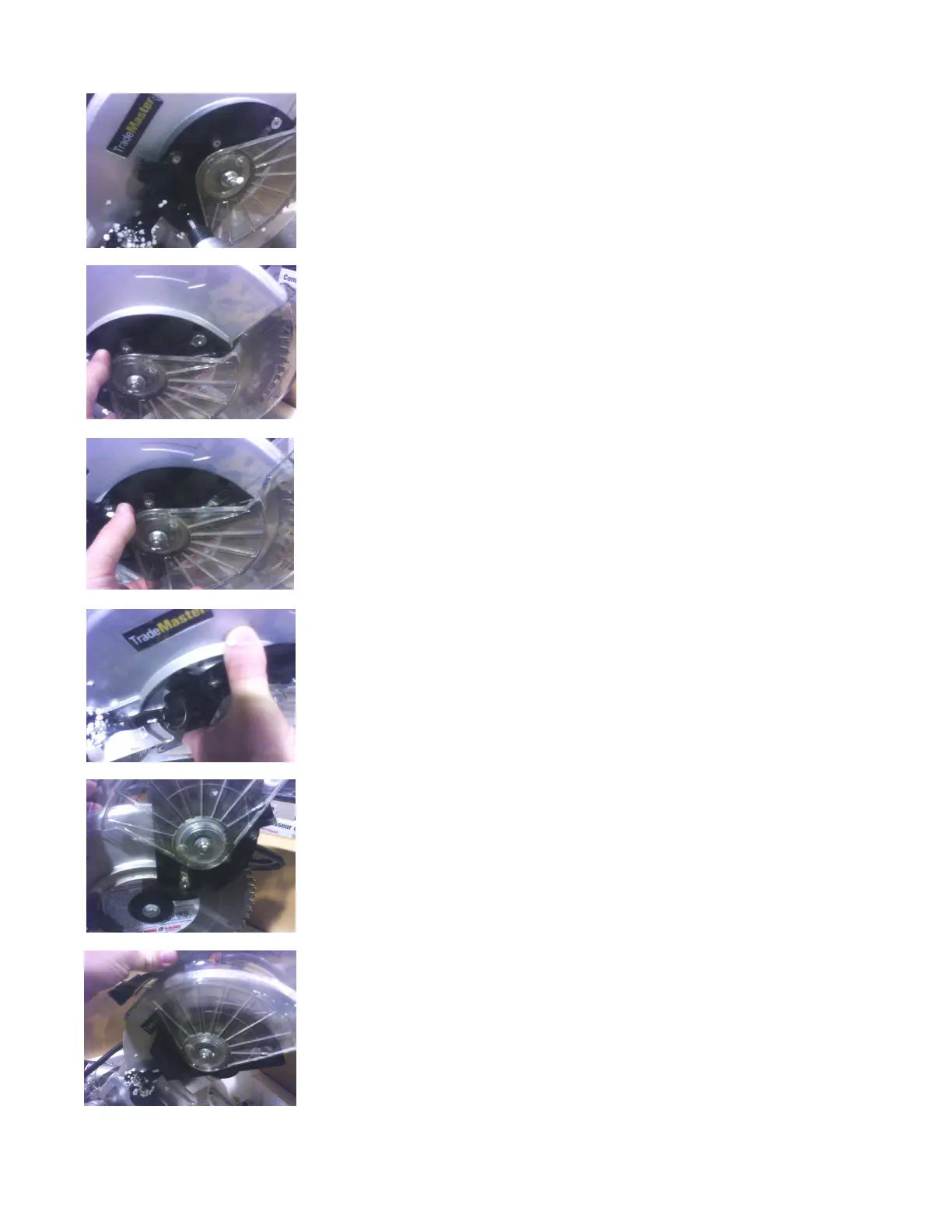
Blade change for TM26005
Loosen this screw to release the guard fixed plate
Push the entire plastic guard assembly forward.
You will see the slot in the front of the fixed plate
that the front screw pivots on.
When pushing the guard forward, notice the gear
for the guard guide system separates, note this
as you will have to align this when putting the
guard back into place.
Pull the guard up and over the metal safety guard
It should sit out of the way and you now have
access to the blade and blade bolt.
From here follow the directions on the manual from the point of locking the shaft.
Please note that the blade bolt is Left Hand thread so you will be turning right to loosen it.



 To Previous Page