5
4
Setting Your Program Schedule
Setting the Time and Day
1.
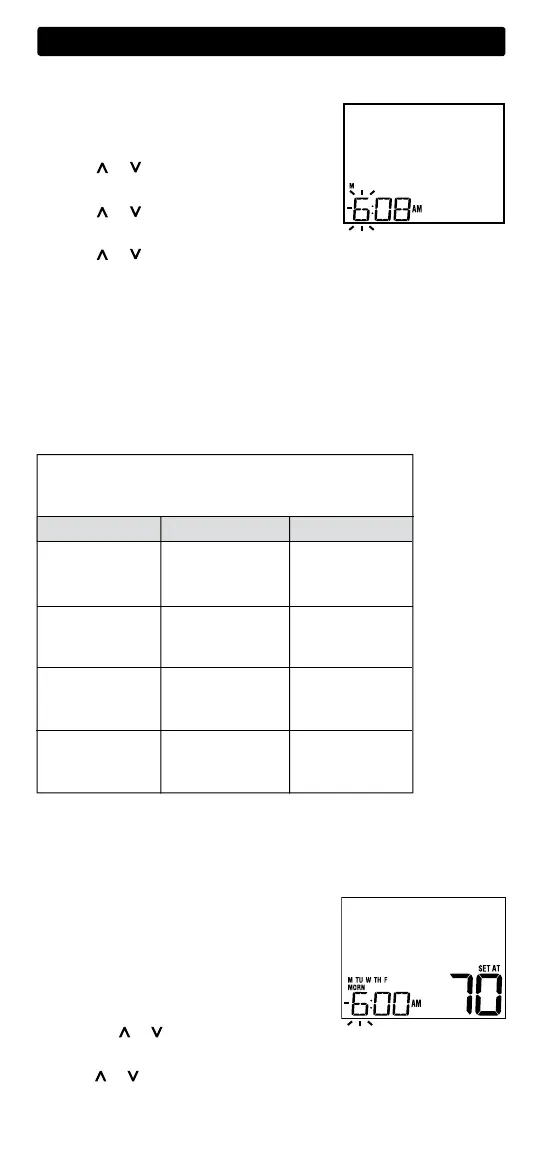
In normal operating mode, press the DAY/TIME
button. The display will switch to the day/time
setting mode and the hour will be flashing.
2. Press or to adjust the hour.
Press DAY/TIME.
3. Press or to adjust the minute.
Press DAY/TIME.
4. Press or to adjust the day of the week. Press RETURN to exit.
Tips Before Setting Your Program Schedule
• Make sure your current time and day of the week are set correctly.
• When programming, make sure the AM and PM indicators are correct.
This thermostat comes pre-programmed with a default energy saving
program. The following table outlines the pre-programmed times and
temperatures for heating and cooling in each of your 4 daily weekday and
weekend events. If you wish to use these settings then no further program-
ming is necessary:
Weekday Weekend
MORN
DAY
EVE
NIGHT
Time: 6:00 pm
Heat: 70˚ F (21˚ C)
Cool: 78˚ F (26˚ C)
Time: 8:00 am
Heat: 62˚ F (17˚ C)
Cool: 85˚ F (29˚ C)
Time: 6:00 am
Heat: 70˚ F (21˚ C)
Cool: 78˚ F (26˚ C)
Time: 10:00 pm
Heat: 62˚ F (17˚ C)
Cool: 82˚ F (28˚ C)
4 Event
Time: 6:00 pm
Heat: 70˚ F (21˚ C)
Cool: 78˚ F (26˚ C)
Time: 8:00 am
Heat: 62˚ F (17˚ C)
Cool: 85˚ F (29˚ C)
Time: 6:00 am
Heat: 70˚ F (21˚ C)
Cool: 78˚ F (26˚ C)
Time: 10:00 pm
Heat: 62˚ F (17˚ C)
Cool: 82˚ F (28˚ C)
Residential 5-2 Day Programming– Weekday/Weekend
Factory Settings
Programming a 5-2 Day Residential Schedule
The 5-2 day residential programming mode allows you to program Monday
- Friday with one 4 event schedule and then allows you to change Saturday
and Sunday with a different 4 event schedule.
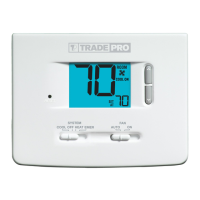
1. Press the PROG button. The display will switch
to programming mode.
The days M, TU, W, TH,
and F will be displayed and the hour will
be flashing.
2. Move the SYSTEM switch to either the HEAT
or COOL position.
3. Press the or to adjust the hour for the
MORN (morning) event. Press PROG.
4. Press or to adjust the minute for the MORN event. Press PROG.



 To Next Page