6
5. Press or to adjust the temperature for the
MORN event. Press PROG.
6. Repeat steps 3-5 for the DAY, EVE and NIGHT events.
7. Repeat steps 3-6 for the weekend (S, SU) program.
8.
If needed, repeat steps 2-7 to program the opposite mode (HEAT or COOL).
9. Press RETURN to exit.
5
Operating Your Thermostat
Setting the System Control Mode
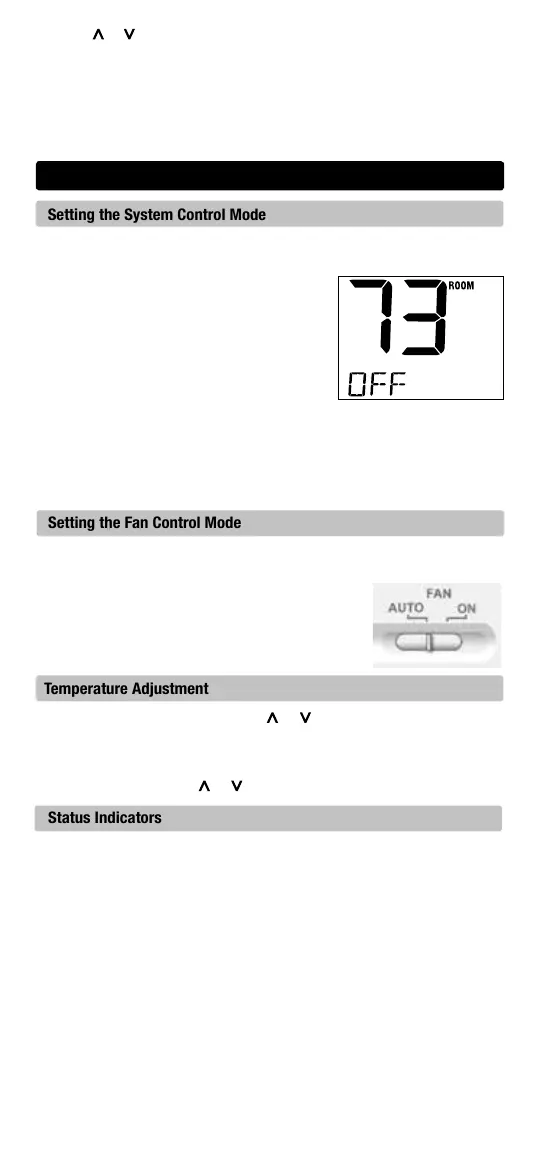
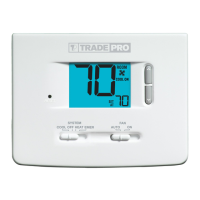
The System Control has several modes of operation that can be selected by
moving the SYSTEM switch to the appropriate position.
COOL
Only your cooling system will operate
OFF Heating and cooling systems are off
HEAT Only your heating system will operate
Additional Switch Position (Model TP-P-521 Only):
EMER Operates a backup heat source
(Emergency Heat) for heat pump systems only.
NOTE:
If your model TP-P-521 was configured for a conventional system (CONV)
then you will not
have the EMER (emergency heat) option and “NO EMER
SET” will flash in the display if EMER is selected with the system switch.
Setting the Fan Control Mode
The Fan Control has 2 modes of operation – AUTO and ON. The mode can
be selected by moving the FAN switch to the appropriate position.
AUTO The system fan will run only when your
heating or cooling system is running
ON The system fan stays on
Temperature Adjustment
Temporary Adjustment – Press the or button to adjust the current
set point temperature.
Extended Adjustment – Press the HOLD button so that HOLD appears in
the display screen. Press or to adjust the current set temperature.
Status Indicators
Status indicators appear in the display to let you know if your system is
heating, cooling or off.
HEAT ON Indicates that your heating system is running.
COOL ON Indicates that your cooling system is running.
SERVICE Indicates that a user selectable service reminder was selected.
Additional status indicators (Model TP-P-521 Only):
AUX Indicates that the auxiliary stage of heating is running
(multi-stage systems only).
EMER Indicates that the emergency heating system is running (heat
pump systems only).



 To Next Page