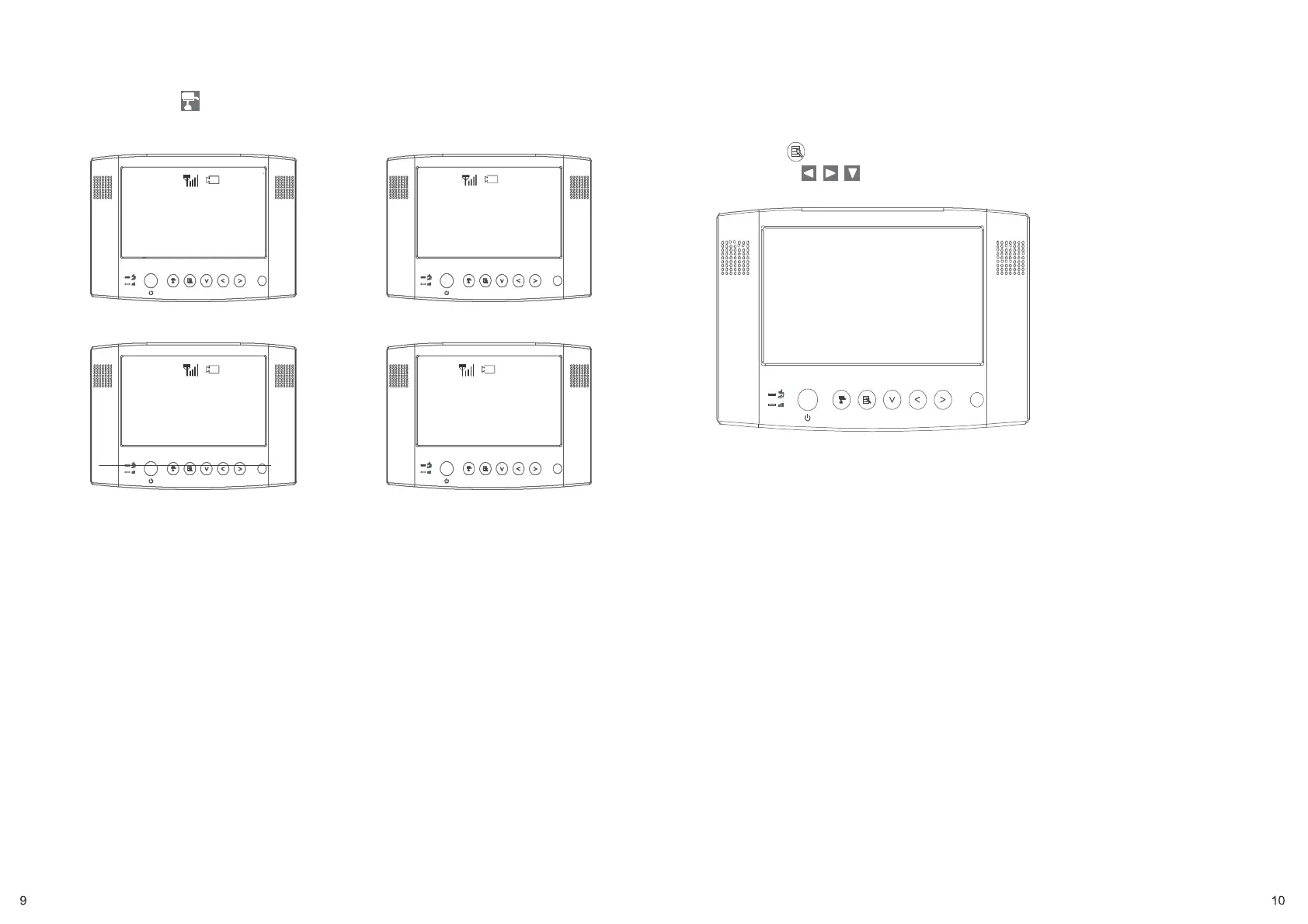
C. Channel indicator shows the current camera being displayed by the monitor.
By pressing (Cam), you can manually switch between cameras.
1
2
Step3: Advanced Operation
Knowing the Menu
By Pressing (Menu), you can enter / exit Menu Mode
You can Use (Left / Right / Down) to select and change the
settings.
Camera 1 Camera 2
3 4
Resolution QVGA
QUAD
OFF
CAM1
ON
CAM2
ON
CAM3
ON
CAM4
ON
Pair CAM 1 2 3 4
System Setup
Factory Reset
Camera 3 Camera 4


 To Previous Page