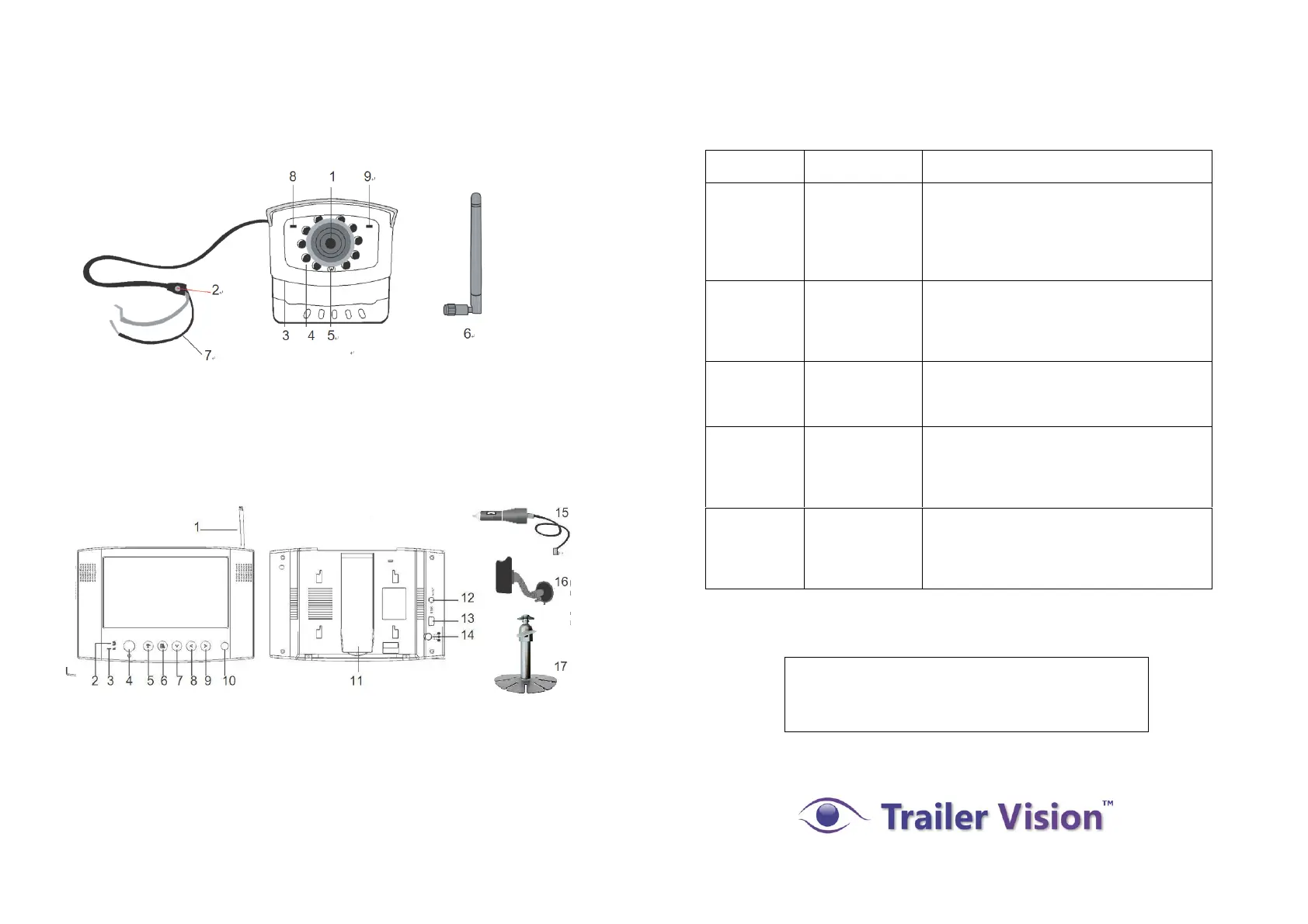
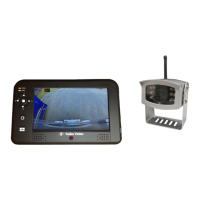
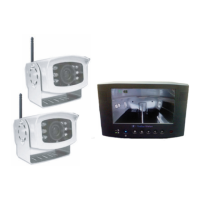
The System Parts
Wireless Camera
Trouble Shooting Table
Before requesting service, please complete the checks detailed below.
If you are in doubt about any of the following, or if the solutions
described in the chart do not solve the problem, please contact us.
1. Camera Lens
2. Pairing Key (cover/sealed)
3. Mounting Bracket
4. IR LED (Night Vision)
5. EDS (light sensor)
6. Antenna
7. Power Cord
8. Link/Pair LED Indicator
9. Power LED Indicator
7" LCD Wireless Monitor
1
15
12
13
14
16
2 3 4 5 6 7 8 9 10 11
1. Antenna
2. Pairing Indicator
3. Signal Indicator
4. Power On/Off
5. Change Channel/Pair Camera
6. Menu Selection
7. Cursor Down
8. Cursor Left
9. Cursor Right
10. IR Sensor
11. Back Flip Stand
12. A/V Out
13. USB Out (none functional)
14. DC In
15. Cigarette Power Adaptor
16. Windscreen Holder
17. Dashboard Mount
System
Message
shows “No
Signal” on
the monitor
screen.
No power
supply to
corresponding
camera(s).
Check that the reversing light (if the camera
is powered from the reversing light) is
working. Check the camera wiring, ensure
the polarities are correctly connected and
12-24V is available.
Low signal,
or unstable
signal.
Channel is not
paired with
camera.
To complete Pairing, select reverse gear,
with the hand brake ON, then press the
camera pair button. See [Advanced
Operation - Pairing Camera] section as a
guide.
Low signal
or unstable
signal
Antenna
directional
limitation.
Adjust & secure camera antenna, position
camera & monitor antenna vertically.
Powerful
trans mitter /
rad io signal in
vicinity of
monitor/camera.
Relocate source of radio signal, or
reposition the camera/monitor.
Dim / over
bright image
on monitor
screen.
Monitor
brightness
incorrectly
adjusted.
Press [OK] button, select menu, enter
[System Setup]; adjust [Brightness].
See [Advance Operation – System Setup]
for detail.
For technical support please email:
support@trailervision.co.uk


 To Next Page