Ambient Temperature
Ambient Relative Humidity
Dew Point
Humidity Ratio Grams per
Pound/Kg
To change temperature between C and F and the
Humidity Ratio between g/kg and grains/lb, press the
button to go the Main Menu; scroll down and select
'TEMPERATURE SCALE' with the button, scroll and
select with the - button; and press the button to
return to the main screen.
CONCRETE MOISTURE ENCOUNTER X5 USER GUIDE
15
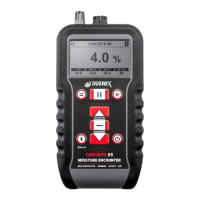
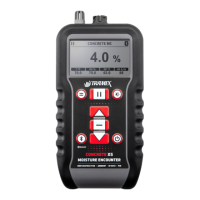
Typical Concrete Moisture Encounter X5 Displays


 To Next Page
 Loading...