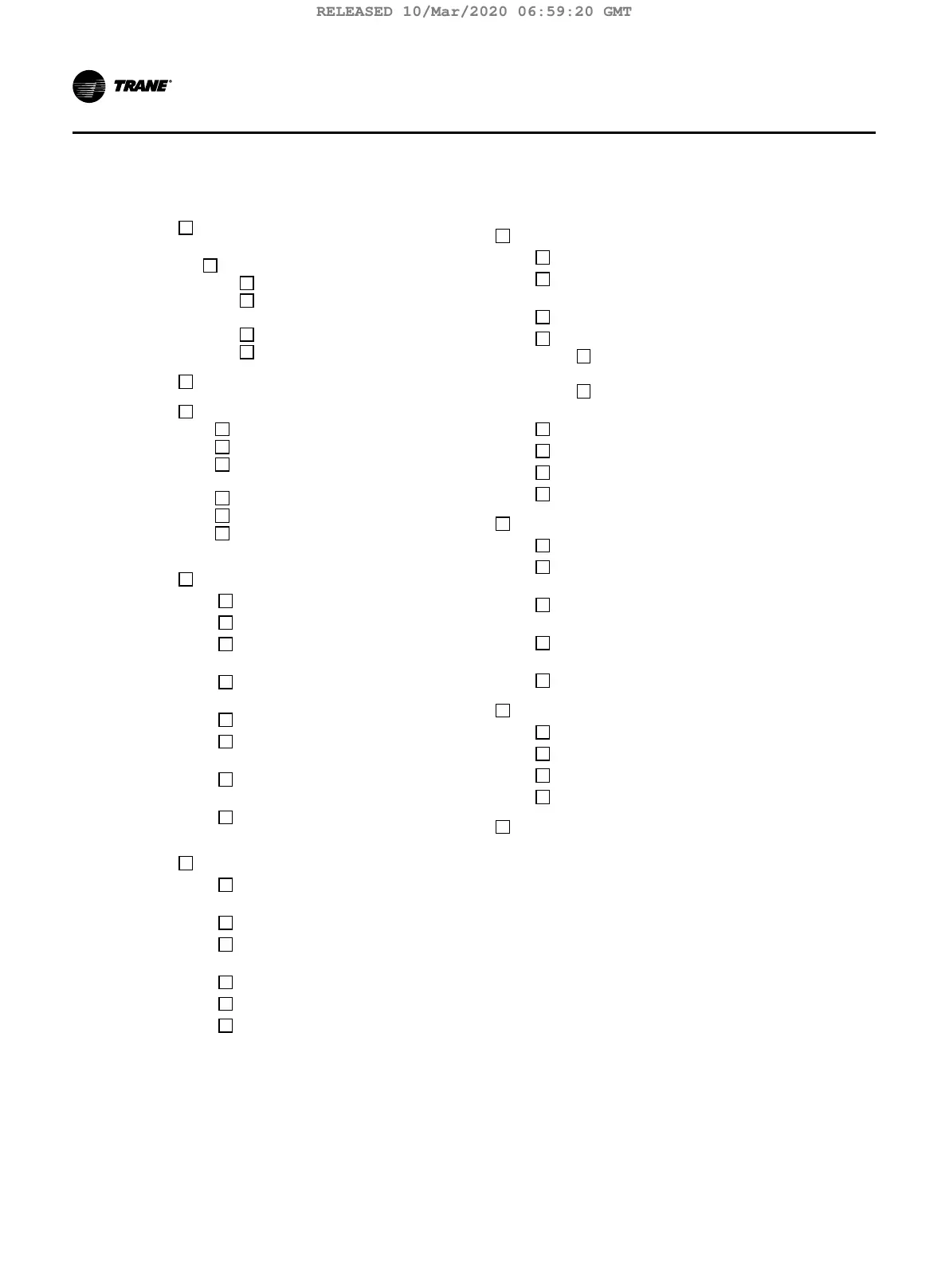
AdaptiView Display Customer Training Checklist
Equipment Description, including
how to use the touch screen
Screen Overview
Chiller Status Area
Main Display Area/Home
Screen
Component Screens
Main Menu Area
Stopping/Restarting Chiller Operation
Alarms
Viewing the Alarms Screen
Understanding Alarm Icons
Viewing Active and Historic
Alarms
Sorting Alarms
Resetting Alarms
The Two Other Alarm
Indicators on the display
Reports
Viewing the Reports Screen
Viewing the Log Sheet
Viewing the ASHRAE
Chiller Log
Creating and Viewing a
Custom Report
Editing a Custom Report
Viewing Unit Information
(About This Chiller)
Viewing Chiller Operating
Modes
Viewing Purge Operating
Modes
Data Graphs
Viewing the Data
Graphs Screen
Viewing Data Graphs
Changing the Scales on
Data Graphs
Creating Custom Data Graphs
Editing Custom Data Graphs
Deleting a Custom Data Graph
Equipment Settings
Viewing the Settings Screen
Viewing and Changing
Equipment Settings
Chiller Settings
Setpoint Sources
Setpoint Source
Arbitration
Changing the
Setpoint Source
Feature Settings
Chilled Water Reset
Purge Settings
Manual Control Settings
Display Settings
Viewing the Settings Screen
Viewing and Changing
Display Preferences
Viewing and Changing the
Language Preference
Viewing and Changing Date
and Time Preferences
Cleaning the Display
Security Settings
Viewing the Settings Screen
Logging In
Logging Out
Disabling/Enabling Security
Troubleshooting
94 TCVHE-SVX04D-EN
Forms
RELEASED 10/Mar/2020 06:59:20 GMT



 To Next Page