14
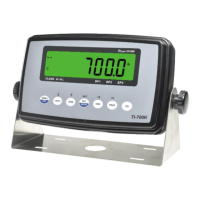
TI-700K checkweigher operation:
If the displayed weight (net or gross) is less than the Low (Min) value, then:
• Digital Output #1 is activated
• SP1 light is ON
• Backlight colors is BLUE
If the displayed weight (net or gross) is more than the High (Max) value, then:
• Digital Output #3 is activated
• SP3 light is ON
• Backlight colors is RED
If the displayed weight (net or gross) is within the low / high (Max /Min) range, then:
• Digital Output #2 is activated
• SP2 light is ON
• Backlight colors is GREEN
Balance of page intentionally left blank


 To Next Page