5
Please replace the batteries when the blink interval is 10 seconds!
NOTE 1: TI-500 RFTM will shut down completely within two hours of a lost connection with the
indicator.
NOTE: 2: TI-500 RFTM will only enter sleep mode when the TI-700K indicator is OFF.
When shipped from the factory, the TI-700K digital indicator is configured to automatically switch
off after 5 minutes if not in use.
Replacing the batteries – TI-500 RFTM
An optional cylindrical battery holder is available which requires 4 “C” cell alkaline batteries.
1. Turn the TI-500 RFTM OFF (Press the RED button)
2. Locate the metal battery cylinder
3. Unscrew either end cap to reveal batteries
4. Exchange the batteries – be careful to note polarity
5. Replace the end cap
6. Re-install the metal battery cylinder
Optional Rechargeable battery information – TI-700K
The TI-700K may contain a rechargeable battery pack which is internal to the unit. The battery
chemistry is lithium-ion. Before using the indicator for the first time, please charge the battery.
HOW TO CHARGE THE INTERNAL BATTERY
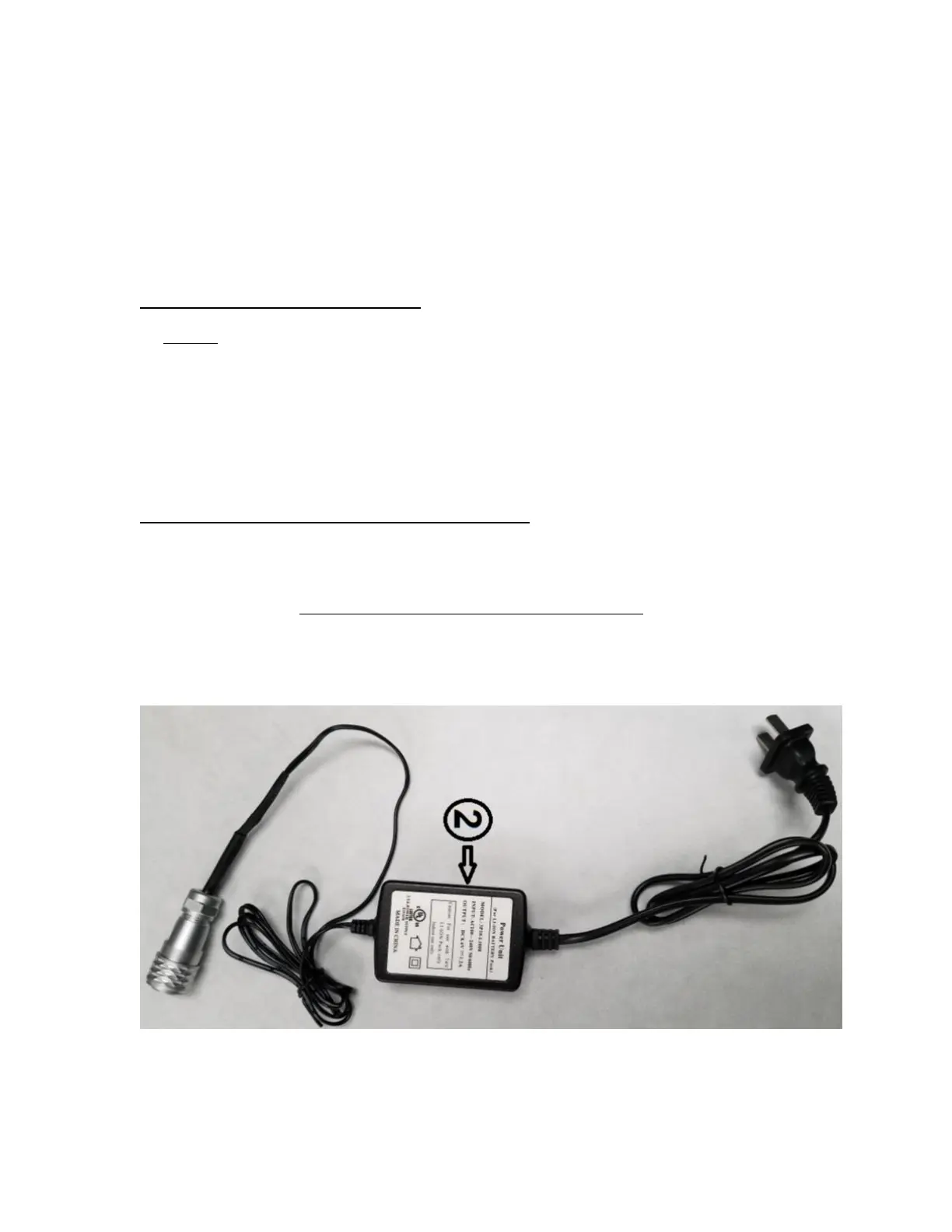
The TI-700K with rechargeable battery ships with a pre-installed battery charger connector and
an external battery charger. Simply link the two up and plug the external battery charger into a
suitable AC wall outlet.
External Battery Charger


 To Next Page