Available options: Enable / Disable
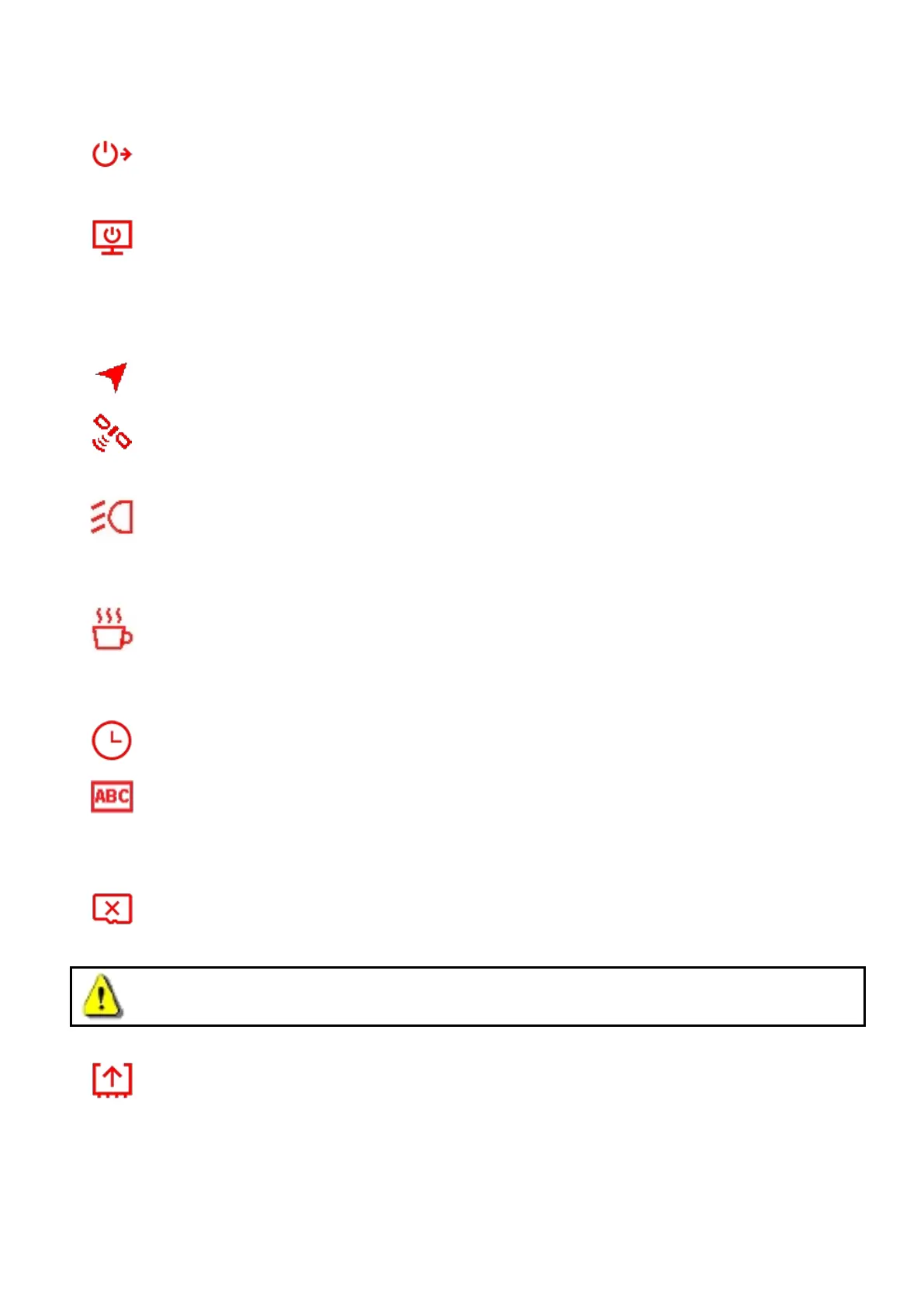
Delay Power Off: Schedule the DrivePro™ to shut down at a certain time.
Available options: Disable / 10 secs / 30 secs
Auto Display Off: Set duration for display to automatically turn off after recording begins.
Available options: Never / After 1 min / After 3 mins
Note: Auto Display Off is disabled when Speed Alarm, FCWS, LDWS, Headlight Reminder, or
Driver Fatigue Alert is enabled.
GPS Status: Display the number of GPS satellites received and GPS signal intensity.
Navigation System: Select a navigation system according to your preference.
Available options: GPS / Glonass
Headlight Reminder: When the DrivePro™ detects poor lighting conditions, the headlight
reminder will automatically activate.
Available options: Disable / Enable
Driver Fatigue Alert: Remind the driver of the need to rest after driving for a preset,
driver-determined period of time.
Available options: Disable / 1 hour / 2 hours / 3 hours / 4 hours
Date/Time Settings: Set the current date, time, and time zone.
Language: Set the on-screen display menu language.
Available options: English / 繁體中文 / 简体中文 / 日本語 / Deutsch / Español / Français /
Italiano / Русский / Português / Ελληνικά / / Türkçe / 한국어
Format: Format the microSD memory card.
Available options: No / Yes
WARNING: Formatting will erase all the data stored in the card.
Firmware Upgrade: Keep your DrivePro™ up-to-date with the latest version downloaded
from Transcend website http://www.transcend-info.com/Support/service.
1. After downloading the firmware from Transcend website, decompress it and put it in the
“SYSTEM” folder in the microSD memory card.


 To Next Page