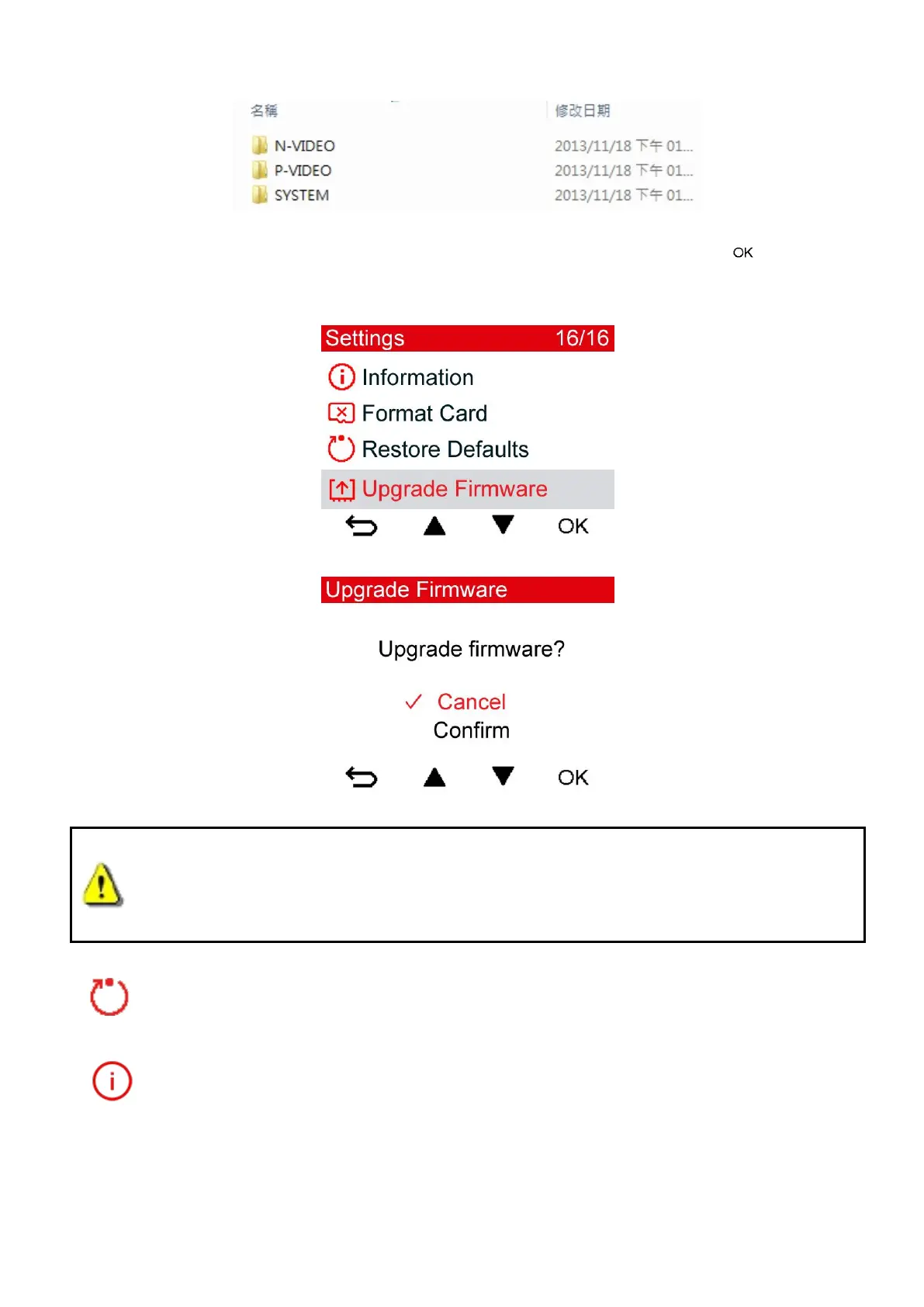
2. Insert the microSD memory card that contains the latest firmware version.
3. Select Firmware Upgrade from the Settings menu, and press to start the
firmware detection process. The DrivePro™ will automatically find the latest firmware
file.
WARNING: NEVER remove the power cord or the microSD memory card while
the firmware is being upgraded.
If the DrivePro™ cannot be turned on due to firmware upgrade failure, please contact
Transcend customer service for technical support.
Restore Defaults: Reset all settings to factory default settings.
Available options: No / Yes
Information: Display the DrivePro™’s current firmware version, card capacity and free
space.















 To Next Page