Restore
Defaults
Reset all settings to their factory defaults.
Cancel (default) / Con
fi
rm
Screen
Adjustment
Adjust the position of the recording screen.
Information
Display the DrivePro
’
s current
fi
rmware version, card capacity, WiFi
SSID, password, and model name/number.
5-2 Firmware Upgrade
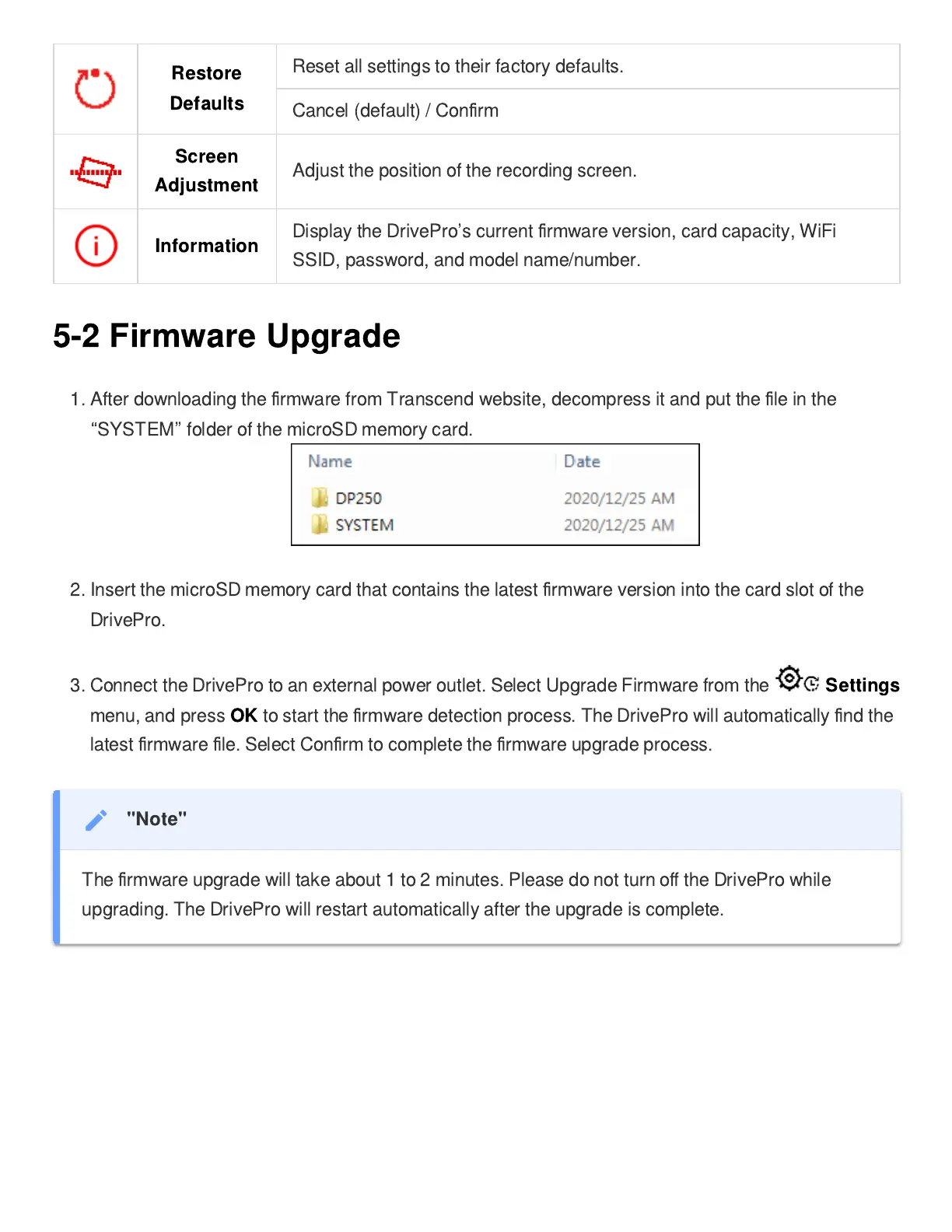
1. After downloading the
fi
rmware from Transcend website, decompress it and put the
fi
le in the
“
SYSTEM
”
folder of the microSD memory card.
2. Insert the microSD memory card that contains the latest
fi
rmware version into the card slot of the
DrivePro.
3.
Connect the DrivePro to an external power outlet. Select Upgrade Firmware from the
Settings
menu, and press
OK
to start the
fi
rmware detection process. The DrivePro will automatically
fi
nd the
latest
fi
rmware
fi
le. Select Con
fi
rm to complete the
fi
rmware upgrade process.
"Note"
The
fi
rmware upgrade will take about 1 to 2 minutes. Please do not turn o
ff
the DrivePro while
upgrading. The DrivePro will restart automatically after the upgrade is complete.















 To Next Page