8. Transferring Files to a Computer
To transfer
fi
les between the dashcam
’
s memory card and your computer:
Option 1:
Take the microSD memory card out of the dashcam, and insert it into a compatible card reader to
transfer
fi
les to your computer.
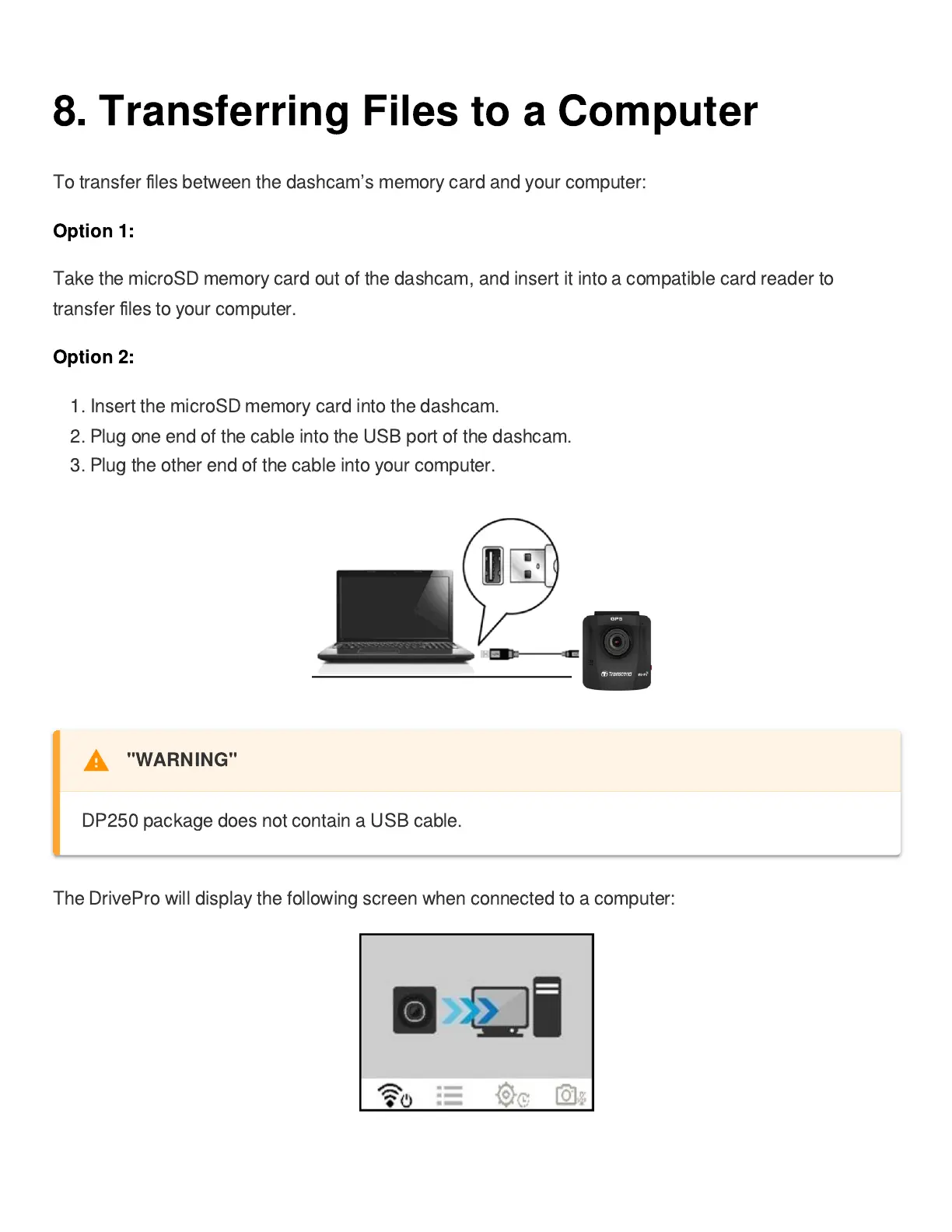
Option 2:
1. Insert the microSD memory card into the dashcam.
2. Plug one end of the cable into the USB port of the dashcam.
3. Plug the other end of the cable into your computer.
The DrivePro will display the following screen when connected to a computer:















 To Next Page