2-2 Inserting a microSD Memory Card
Before you can start recording, you need to insert a microSD memory card into the DrivePro. Please use
a microSD memory card with 32 GB, 64 GB, 128 GB, or 256 GB capacity (Class 10 or above).
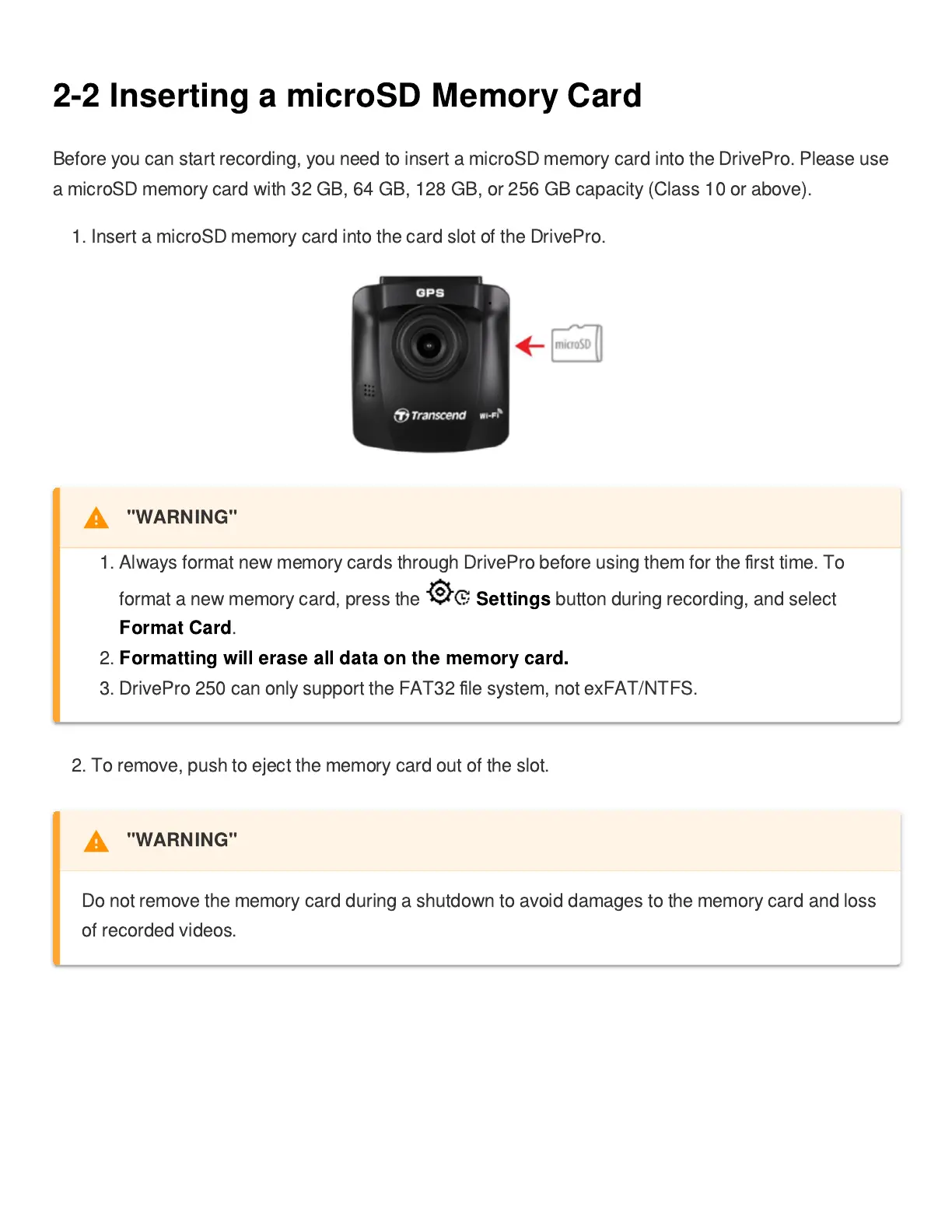
1. Insert a microSD memory card into the card slot of the DrivePro.
2. To remove, push to eject the memory card out of the slot.
"WARNING"
1. Always format new memory cards through DrivePro before using them for the
fi
rst time. To
format a new memory card, press the
Settings
button during recording, and select
Format Card
.
2.
Formatting will erase all data on the memory card.
3. DrivePro 250 can only support the FAT32
fi
le system, not exFAT/NTFS.
"WARNING"
Do not remove the memory card during a shutdown to avoid damages to the memory card and loss
of recorded videos.















 To Next Page