6. Using the DrivePro App
Developed speci
fi
cally for iOS (iPhone/iPad) and Android devices, the free downloaded DrivePro App
allows you to wirelessly watch live-view video footage during recording, control DrivePro functions, and
play videos directly on your smartphone or tablet.
DrivePro App
6-1 Downloading and Installing the DrivePro App
1. Search
“
DrivePro
”
on App Store or Google Play.
2. Download and install the DrivePro App.
Once the installation is complete, the App will be displayed on your device's home screen.
Before using the App, please refer to the DrivePro App instructions.
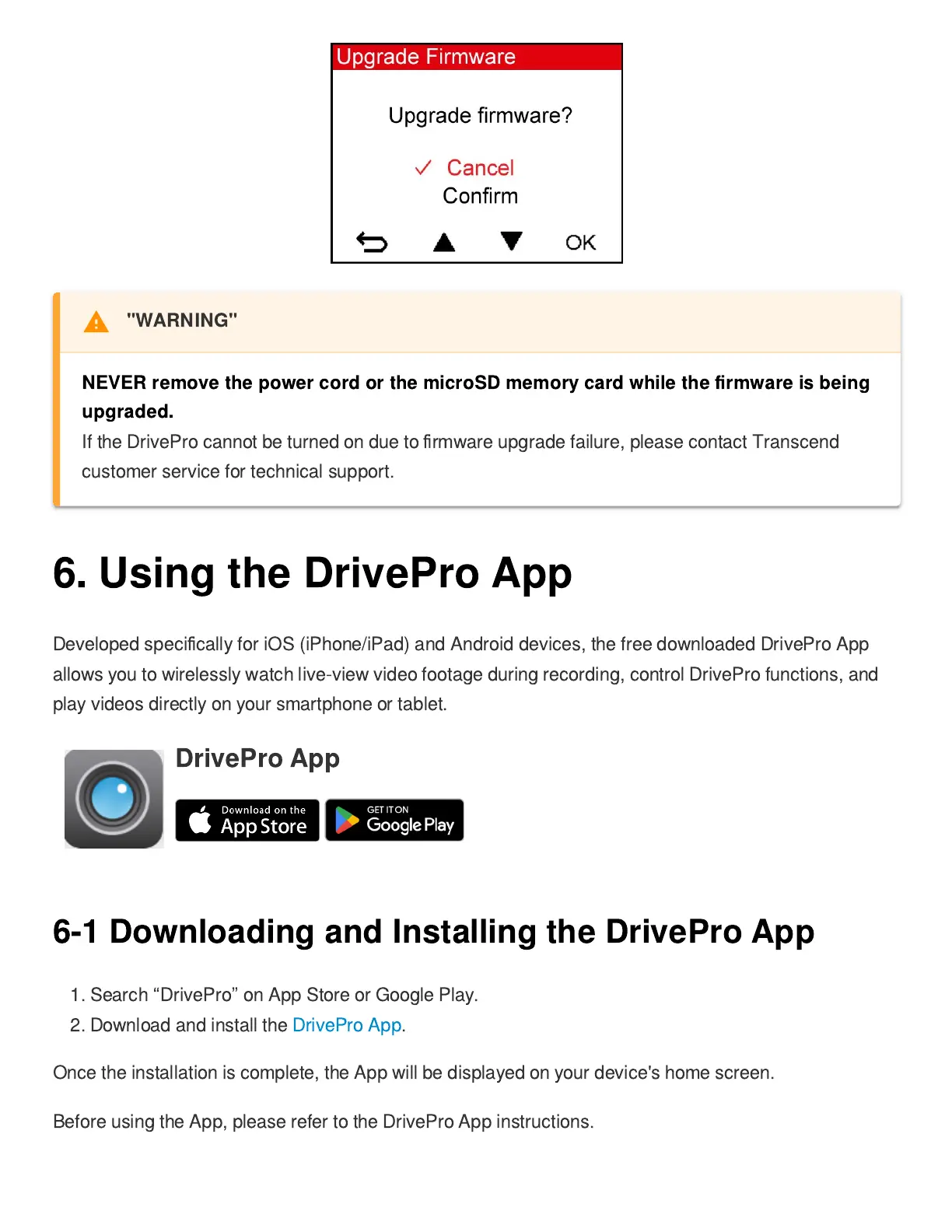
"WARNING"
NEVER remove the power cord or the microSD memory card while the
fi
rmware is being
upgraded.
If the DrivePro cannot be turned on due to
fi
rmware upgrade failure, please contact Transcend
customer service for technical support.


 To Next Page