macOS 10.14 or later
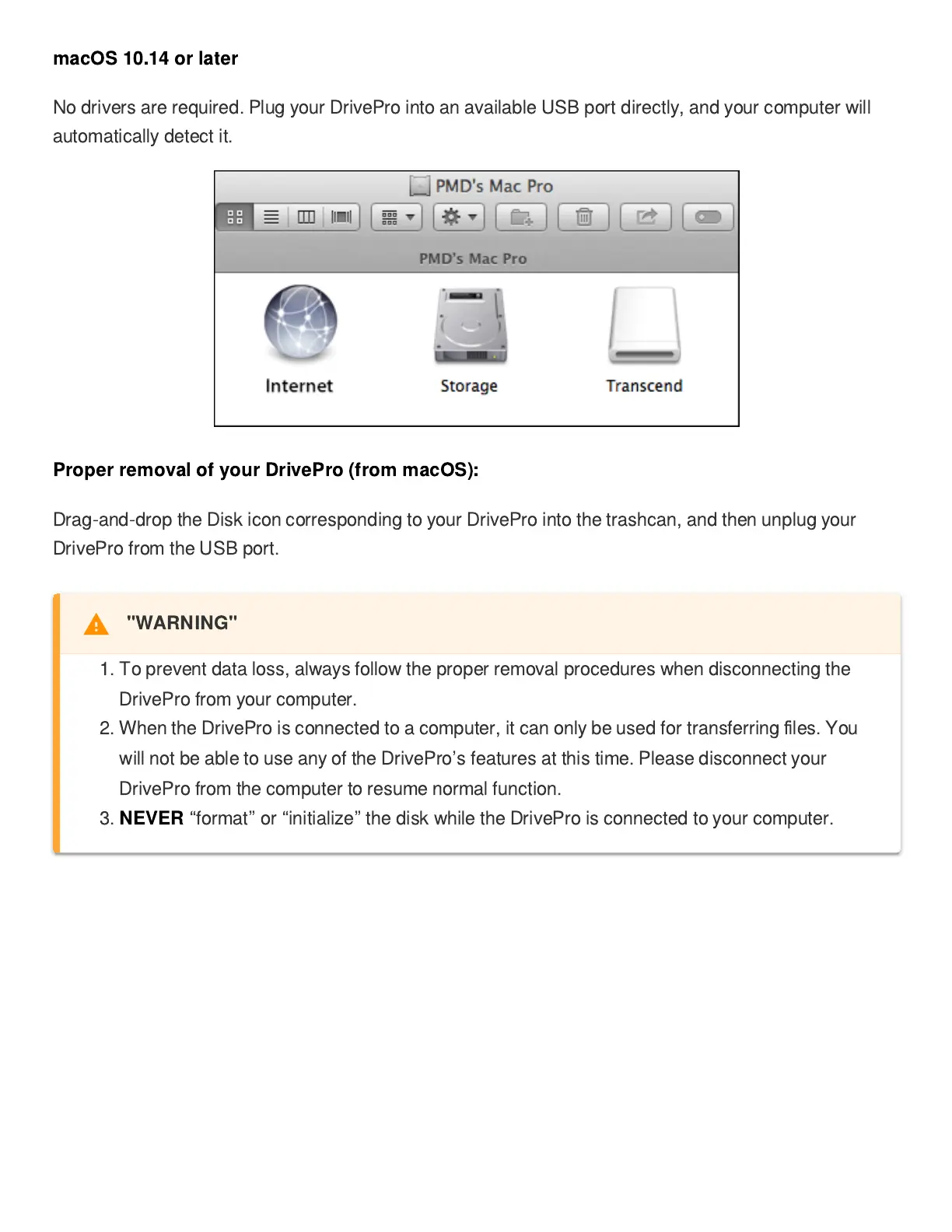
No drivers are required. Plug your DrivePro into an available USB port directly, and your computer will
automatically detect it.
Proper removal of your DrivePro (from macOS):
Drag-and-drop the Disk icon corresponding to your DrivePro into the trashcan, and then unplug your
DrivePro from the USB port.
"WARNING"
1. To prevent data loss, always follow the proper removal procedures when disconnecting the
DrivePro from your computer.
2. When the DrivePro is connected to a computer, it can only be used for transferring
fi
les. You
will not be able to use any of the DrivePro
’
s features at this time. Please disconnect your
DrivePro from the computer to resume normal function.
3.
NEVER
“
format
”
or
“
initialize
”
the disk while the DrivePro is connected to your computer.


 To Next Page