Page 3
E1150 Mobile Reader
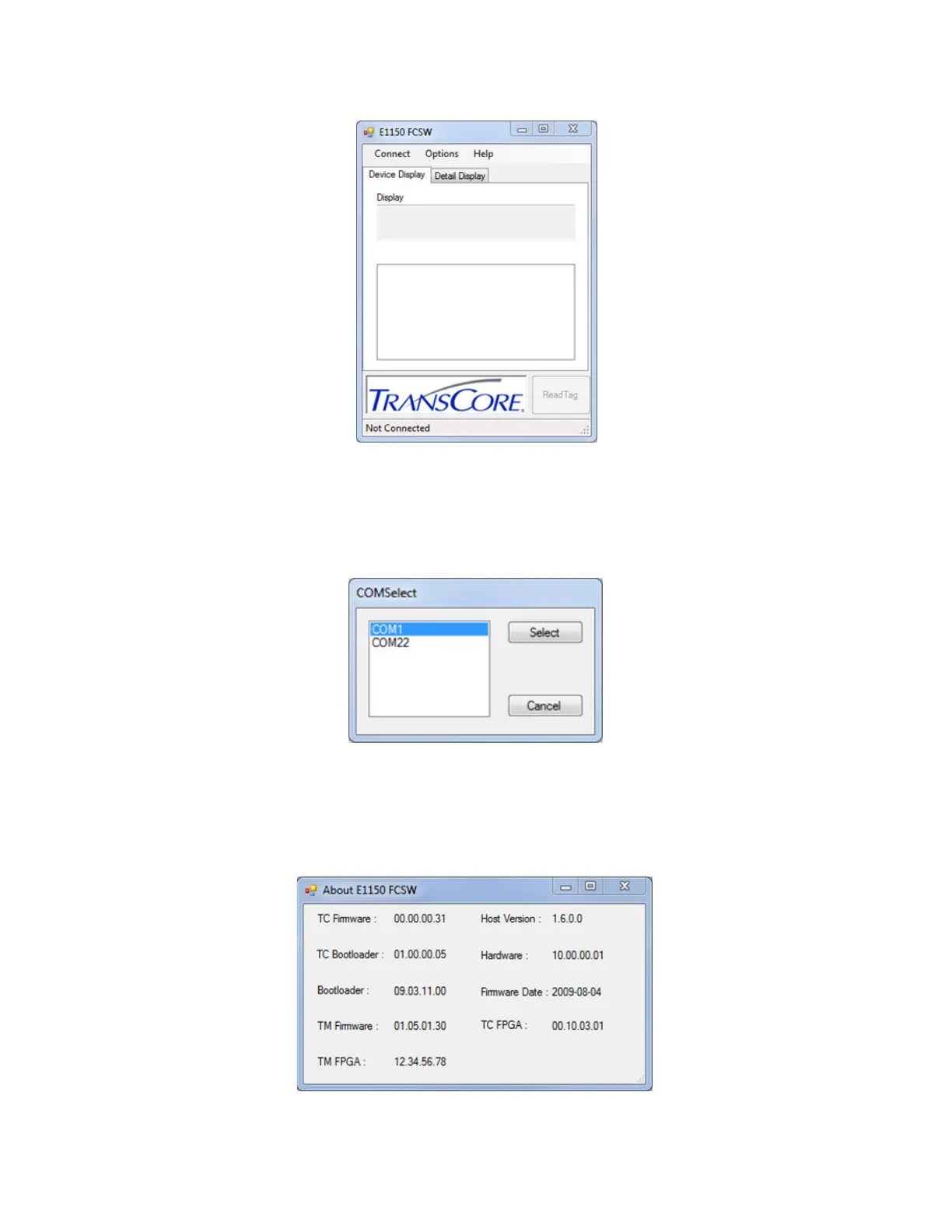
3. Select the associated COM port from the COMSelect window (Figure 2). Click SELECT. Observe that
the connect status in the lower left corner of the E1150 FCSW window reads Connected.
4. To view the FCSW and E1150 Version information, click on Help and then About (Figure 3).
Note: The firmware version shown in Figure 3 is for example only. Your version information may be
dierent.
Figure 1 E1150 Field Configuration Software Startup Window
Figure 2 COM Port Selection Window
Figure 3 E1150 FCSW About Window



 To Next Page