User Guide
Page 4
Configure the E1150 for Operation
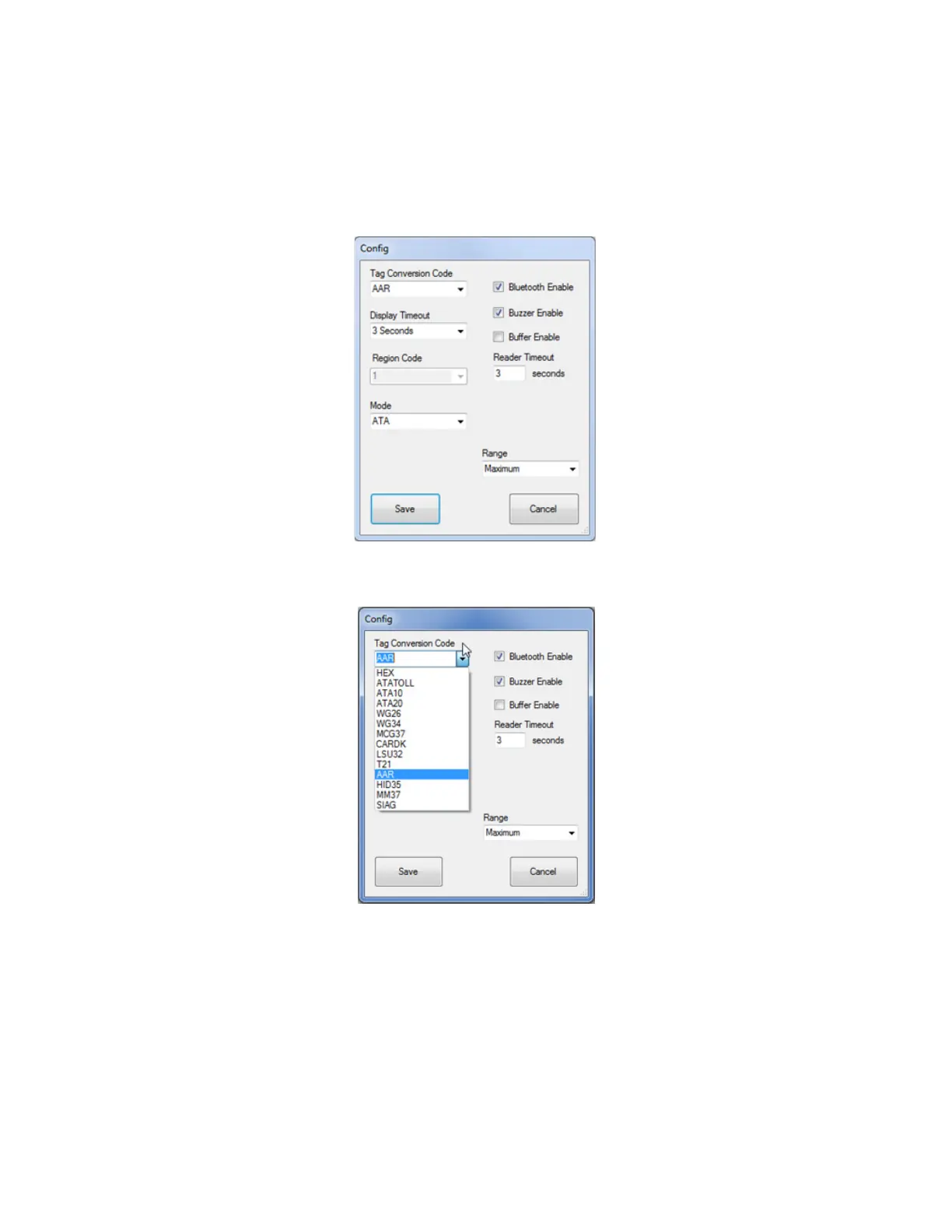
Select Options, then Configuration in the FCSW window. Operation configuration parameters can be
changed via the Config window as shown in Figure 4. The configuration parameters are listed in the Tag
Conversion Code drop down menu as shown in Figure 5. Click Save after setting your options.
Figure 4 FCSW Default Configuration Window
Figure 5 FCSW Configuration Tag Conversion Code Choices



 To Next Page