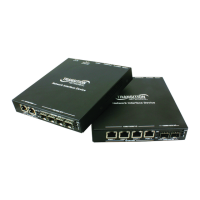
Transition Networks E-100BTX-FX-05 User Guide
33210 Rev. R http://www.transition.com/ Page 7 of 17
Powering the media converter
AC
1. Install the power cord barrel connector into the back of the media converter.
2. Connect the power adapter plug into AC power.
3. Verify that the media converter is powered up by observing the illuminated power indicator LED.
DC
Consult user guide 33455 for information on the SPS-2460-xx DC external power supply.



 To Next Page