To Next Page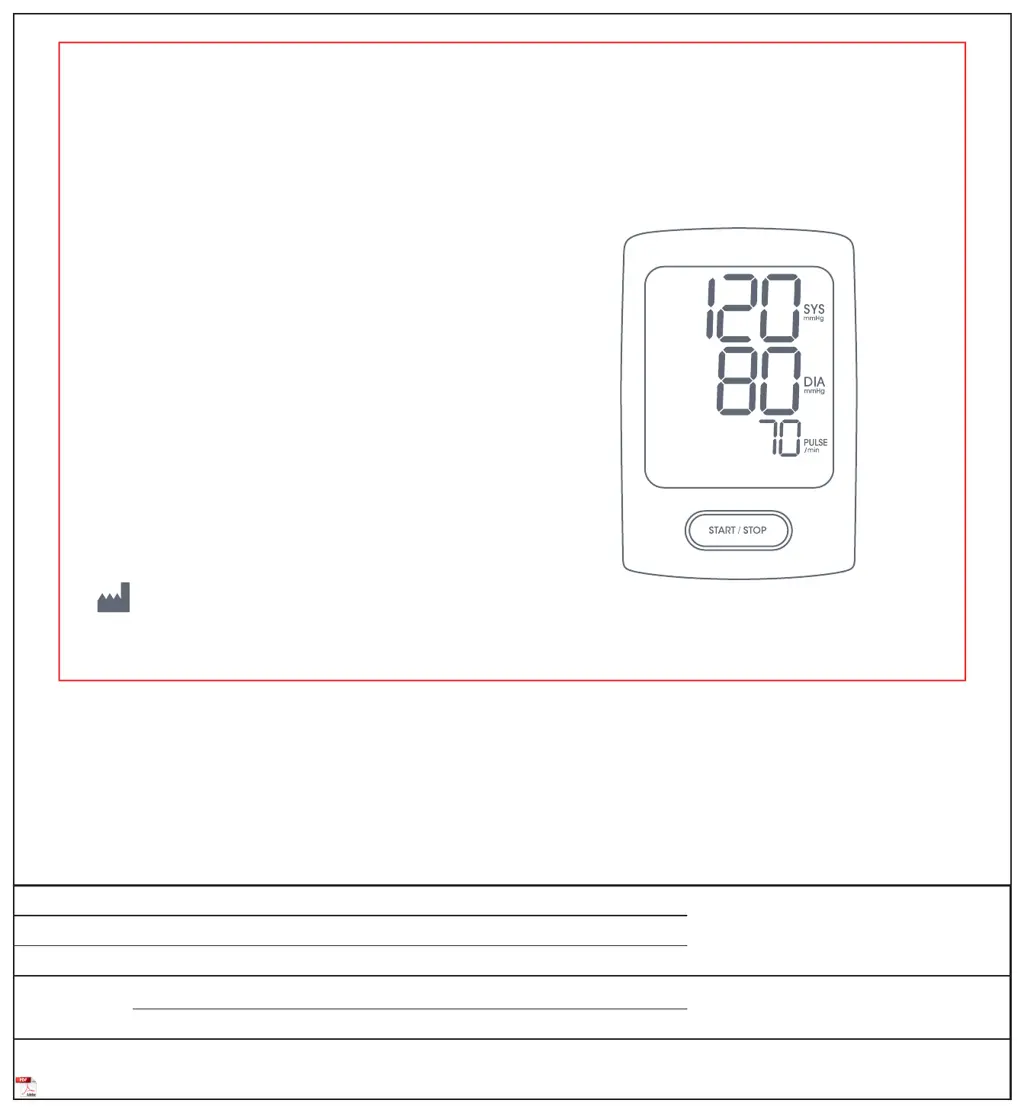
C
Christopher YatesAug 10, 2025
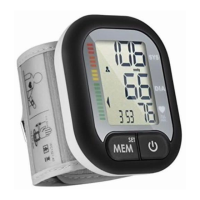
What to do if TRANSTEK TeleCuff Gen 2 Blood Pressure Monitor shows an error message?
- JJohn AllenAug 10, 2025
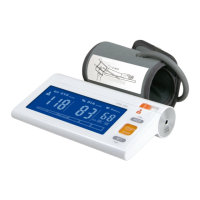
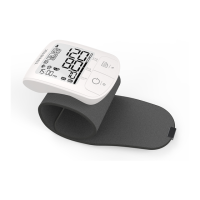
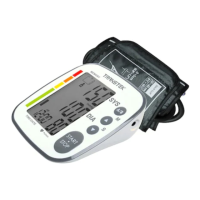
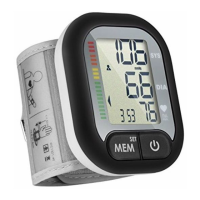
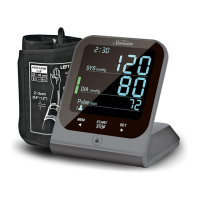
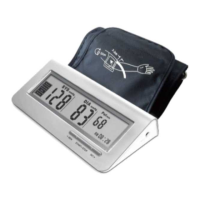
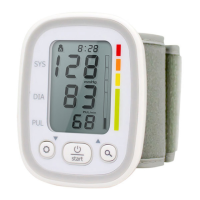
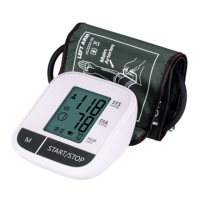
If your TRANSTEK Blood Pressure Monitor displays an error message, several factors could be the cause. First, ensure the cuff is wrapped correctly, not too loose or not too tight, and then measure again. Check that the air connector plug is properly inserted; if the error continues, inspect the cuff for leaks. If excessive body motion is detected, relax and remeasure. For persistent errors, contact customer support. Other causes can include a pulse not being detected during measurement, a data transmission or server connection error (try moving closer to a window), or SIM card issues (check and reinstall the SIM card). If a hardware error is suspected, retake the measurement; otherwise, contact customer support.
 General