
 Need help?
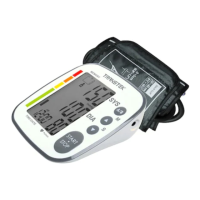
Do you have a question about the TRANSTEK TMB-1018-A and is the answer not in the manual?
Lists symbols and provides crucial safety precautions for using the blood pressure monitor.
Provides instructions on how to install and replace the batteries for the monitor.
Guides users on setting the clock and measurement units for accurate record-keeping.
Details the correct method for applying the blood pressure cuff to the upper arm.
Explains how to initiate and conduct a blood pressure measurement.
Offers advice on factors affecting measurement accuracy and best practices.
Provides solutions for common problems and error messages encountered with the monitor.
 General
| Model Number | TMB-1018-A |
|---|---|
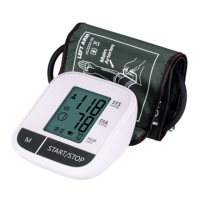
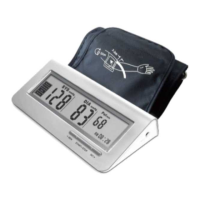
| Type | Upper Arm Blood Pressure Monitor |
| Measurement Method | Oscillometric |
| Cuff Size | 22-42 cm |
| Measurement Range (Pressure) | 0-280mmHg |
| Accuracy (Pressure) | ±3 mmHg |
| Accuracy (Pulse) | ±5% of reading |
| Memory | Yes |
| Display | LCD |
| Automatic Shut-off | Yes |
| Measurement Range (Pulse) | 40-199 beats/minute |
| Power Source | 4 x AAA batteries |


 To Next Page