14
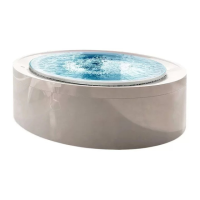
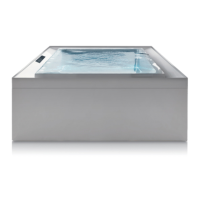
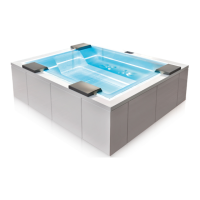
Fusion Spa minipool
EN
Use
3
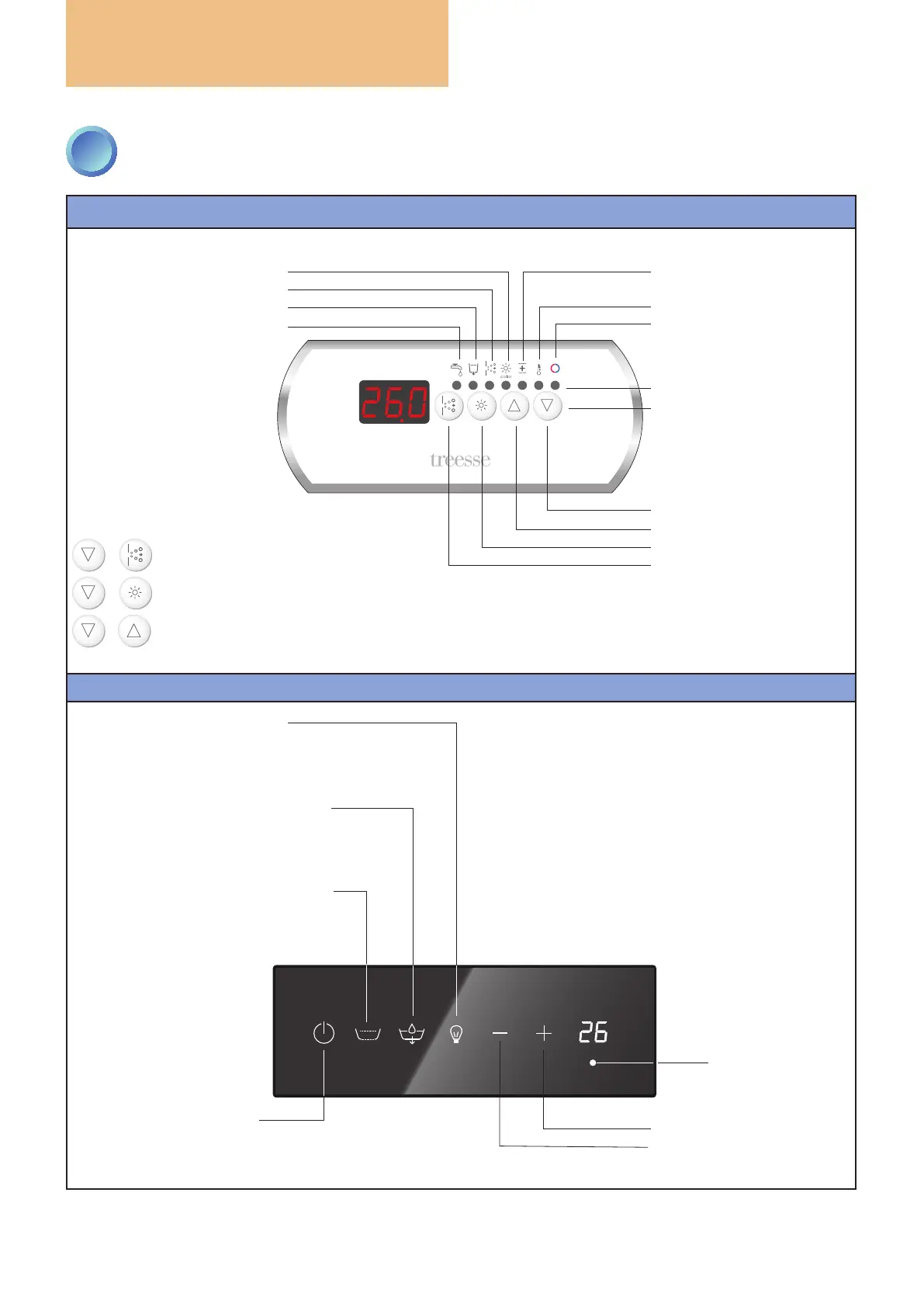
CONTROL PANEL: HOW TO USE IT
WHITE KEYPAD
BLACK CAPACITIVE KEYPAD
LED lling in progress
LED emptying in progress
LED whirlpool active
LED chromatherapy active
LED temperature adjustment
value increase key (UP)
chromatherapy activation key
whirlpool activation key
LED heating active
value decrease key (DOWN)
LED
KEYS
LED washing/sanitising
(ozone) active
KEY COMBINATIONS
+ = FILL bathtub
+ = EMPTY bathtub
+ = change mode from
ACTIVE to STANDBY
key entry/exit from
sleep mode
WHITE: sleep mode NOT active
BLUE: sleep mode active
whirlpool activation (brief press)
WHITE: NOT active
BLUE: whirlpool in progress
lter washing (press for 2 sec.)
bathtub ll/empty key
WHITE: NOT active
BLUE: lling in progress
FLASHING: emptying in progress
chromatherapy activation key
WHITE: chromatherapy NOT active
BLUE: xed colour
FLASHING: colours in sequence
value increase key (UP)
hidden key, not
visible but active:
to empty the
bathtub, press it
for three seconds
and then press
the
ll/empty key
value decrease key (DOWN)


 To Next Page