1. Before You Start
!
!
Cat.5 or Cat.5e network cable
!
The power outlet should be within 1.82 meters (6 feet) of the switch
!
Visually inspect the DC power jack to make sure that it is securely connected to
the power adapter
!
Make sure that there is proper heat dissipation and adequate ventilation around
the switch
!
Do not place heavy objects on the switch
Computer with a network adapter installed
Package Contents
!
!
Multi-Language Quick Installation Guide
!
Power Adapter (5V DC, 800mA)
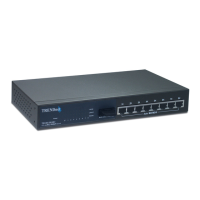
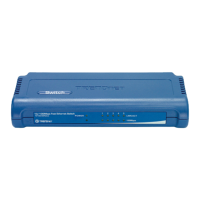
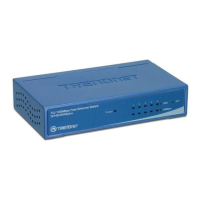
TE100-S5/TE100-S8
System Requirements
1










 To Next Page

